Check writing software has transformed how businesses handle payments. Instead of manually writing checks, you can now easily write and print them with a computer and printer. This software formats and prints information onto check paper, making the process efficient and user-friendly.

What is check writing software, and why do you need one?
It allows you to add your business logo, print with secure MICR ink, and sync with financial or accounting software, helping you manage finances smoothly. Here’s why it’s helpful:
Choosing the right check writing software is key for managing finances effectively, whether for personal use or business needs. Here are top software options to consider.
1. Online Check Writer
Online Check Writer , created by a small business owner in Texas , offers a comprehensive and secure way to handle various financial transactions. This platform supports various payment methods, including ACH transfers, credit card payments, and wire transfers.
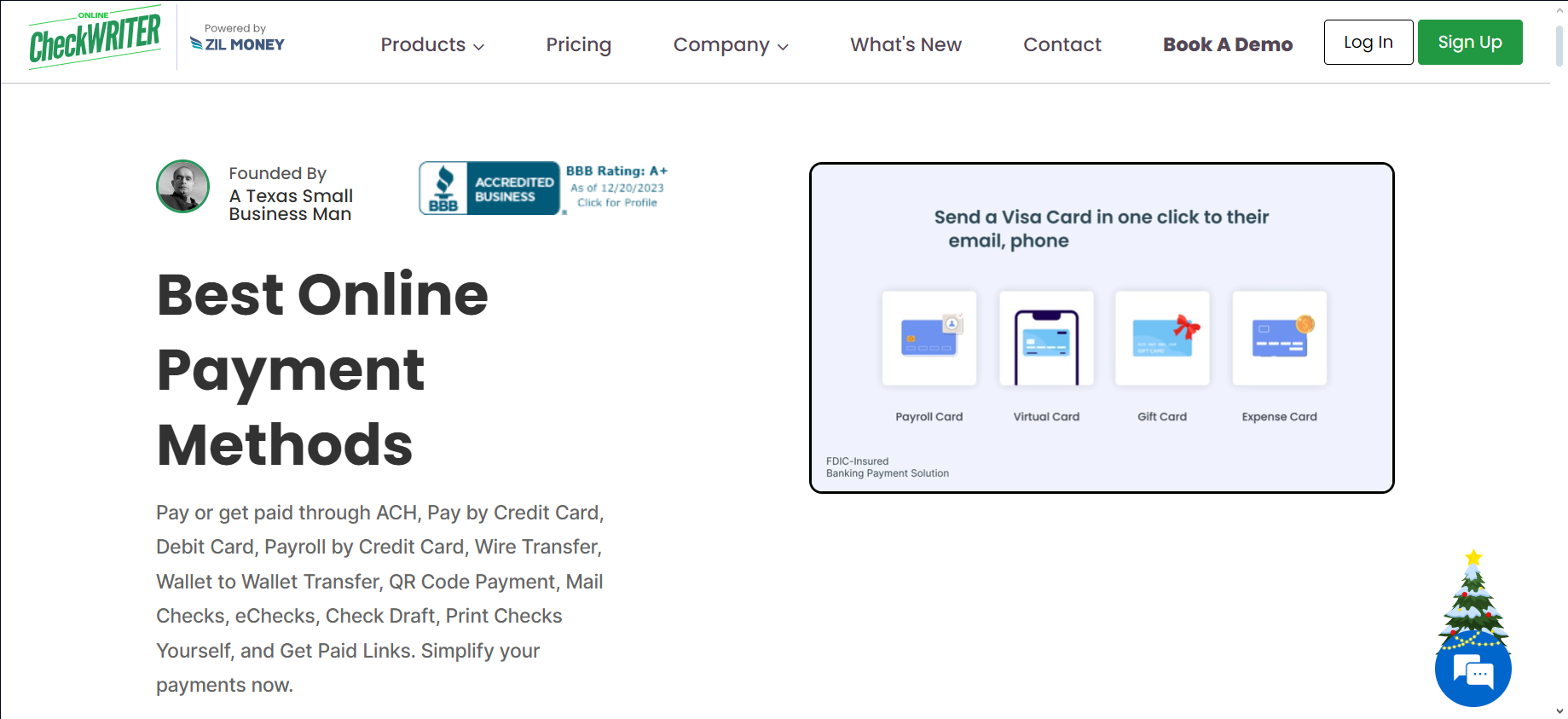
Online Check Writer
It’s particularly useful for making credit card payments in scenarios that are not typically accepted, ensuring you still earn credit card rewards. The cloud-based service allows you to pay bills and manage accounts online efficiently.
It also integrates smoothly with major accounting platforms, simplifying your bookkeeping and tax processes. With features like ACH, credit card payments, invoicing, and check printing, Online Check Writer caters to diverse banking needs, ensuring flexibility and security in business transactions.
It’s trusted by over a million users worldwide and is recognized for its simplicity and comprehensive features. Whether you’re paying or getting paid, this tool streamlines your financial transactions effectively.
↪ Pros
- Works well on both Windows and Mac computers
- Supports multiple banks and different checks
- Can spot fake checks
- Allows payments through phone, email, and fax
- Can mail checks for you
↪ Cons
- The ongoing subscription fees may be expensive for small businesses
2. Checkeeper
Checkeeper is an easy-to-use online check writing and printing software. It offers a 14-day free trial without needing a credit card.

Checkeeper
With Checkeeper, you can write, format, and print checks on plain white paper. It’s ideal for both business and personal checks. The software has a drag-and-drop feature to customize your checks with logos, different fonts, and signatures.
If you don’t want to print checks yourself, Checkeeper can do it for you. They handle everything, even mailing the checks to your vendors, saving you from going to the post office.
Checkeeper works well with accounting software like QuickBooks and FreshBooks . It offers secure, encrypted handling of your financial data. Plus, with its powerful search tools and reports, you can easily keep track of all your checks.
↪ Pros
- Offers top-notch security similar to banks with 256-bit encryption and complies with HIPAA , PCI , and SOC II standards.
- It can print on almost any check paper for a neat and professional appearance.
- Provides MICR font encoding, which is essential for check processing.
- Compatible with popular accounting programs
↪ Cons
- Some users might face issues integrating it with specific accounting software
- Lacks an automatic check-signing feature
3. CheckBuilderPro
CheckBuilderPro is available for both Windows and Mac users. It’s versatile, allowing you to make business checks, personal checks, and deposit slips.

CheckBuilderPro
One of its key advantages is that there are no monthly subscription fees or charges per check you make or print. This software can do both, if you need to print blank checks or complete them with payee and amount details.
You can customize your checks by adding logos, a signature, and choosing different fonts. Keeping track of your transactions is easy with its check register feature. It also offers the functionality to print detailed custom reports and summaries, which helps reconcile bank statements efficiently.
For quick future transactions, it memorizes payee data. The Mac version is compatible with “ Sonoma ,” and the Windows version works with version 11 . It’s important to choose the right version for your system when downloading.
↪ Pros
- Offers a free demo for both Mac and Windows users
- Keeps a record of checks in a check register
- Allows for bank statement reconciliation and report printing
↪ Cons
- Only works with banks in the United States
- Technical support is limited to an online form for assistance
4. Print Checks Pro
PrintChecks Pro offers an easy-to-use check writing, editing, printing, and checkbook management system suitable for various business needs. This software allows you to manage your checkbook and print accurate MICR-encoded checks using your mobile device, PC, or Mac.

Print Checks Pro
You can use your bank’s personal checks, blank check stock, or pre-printed check stock in different sizes. The software is designed to work with all U.S. and Canadian bank accounts, making it widely compatible. You can find everything you need for check printing in their online store, including software and pre-printed checks.
PrintChecks Pro software is available for both iOS and Android mobile devices. This makes it accessible on various devices, ensuring you can manage your check printing and checkbook wherever you are.
↪ Pros
- Reasonably priced with a one-time payment
- User-friendly for people of all skill levels
- Compatible with both blank and pre-printed checks
- Offers a handy mobile app for writing and checks anywhere
↪ Cons
- Does not include complex features such as bill payment and budgeting tools.
- Limited to working with bank accounts in the U.S. and Canada only.
5. VersaCheck X1
VersaCheck is a complete check writing and printing solution that offers everything you need to format and print checks at home or for your business. This includes business check printers, MICR ink and toner, blank check stock, and check writing software.

VersaCheck X1
With VersaCheck, you can create and print bank-approved checks while saving significantly compared to buying checks from the bank. VersaCheck X1 , their flagship software, is designed for personal and business use. It comes with advanced security features to prevent check fraud and ensure safe financial transactions.
VersaCheck X1 can handle multiple accounts and banks, making it a powerful tool for various financial tasks, not just check printing. It can also send and collect check payments via SMS or email, manage bills and receivables, and organize finances efficiently.
↪ Pros
- Integrates seamlessly with well-known accounting software.
- Includes enhanced security options to protect against check fraud.
- Versatile for both individual and business financial needs.
- Capable of handling and organizing numerous accounts.
↪ Cons
- The interface may be overly complicated for those who only require basic features.
- Tends to be more expensive than other basic check printing software options.
6. Checksoft
Checksoft Software is an all-in-one solution for personal finance management. It enables you to design and print your own checks, offering over 20 business and payroll check templates and 100+ personal check designs.

Checksoft Software
With more than 1,000 customizable backgrounds, logos, and graphics, you can create checks that fit your style. It integrates smoothly with major financial software like Quicken , QuickBooks, and Bookkeeper , allowing for easy data import and check printing.
For managing your finances, Checksoft includes features for balancing checkbooks, scheduling bill payments, and tracking spending. The account reconciliation tool matches transactions with your bank statement, ensuring accuracy. It offers custom financial reports for a detailed analysis of your expenses and an address book to organize contact information efficiently.
↪ Pros
- Flexible for both individual and business financial needs
- Includes extensive features for managing finances, such as checkbook balancing
- Offers a variety of options to customize check designs
↪ Cons
- Reports from some users indicate problems working with certain printer types.
How to Fix “Printer is in an error state” Issue?
- Recognizing the importance of a printer’s duty cycle is crucial for choosing a device that matches your print volume needs. Staying within this limit ensures the printer operates efficiently and prolongs its lifespan, minimizing the risk of maintenance issues.
- Proper humidity, temperature, and cleanliness management can significantly enhance printer performance and maintain its duty cycle, preventing unnecessary wear.
- Enhancing a printer with upgrades like additional memory or better mechanical parts can improve its workload handling and extend its practical duty cycle, boosting overall durability and efficiency.
When choosing a new printer, you might come across the term “ duty cycle ” in the specifications. This guide will explain what a duty cycle is, why it matters, and how it can help you choose the right printer. We’ll keep things simple so you can easily understand how to use this information when shopping for a printer.
- Printer Duty Cycle: What It Means and Why It Matters?
- Why the Duty Cycle Is Key to Choosing the Right Printer?
- Duty Cycle vs. Recommended Monthly Print Volume: What’s the Difference?
- What Happens If You Ignore Printer Duty Cycle Recommendations? ↪ Real-World Scenarios: Why Exceeding the Duty Cycle Can Cost You
Printer Duty Cycle: What It Means and Why It Matters?

What is the meaning of Printer Duty Cycle?
The printer duty cycle represents the upper limit of a printer’s capacity—how many pages it can reliably process in a month before the risk of wear or malfunction increases. This figure is crucial for understanding printer performance limits and ensuring that your chosen printer can handle the expected work volume.
Manufacturers determine a printer’s duty cycle through stress testing, where the printer is pushed to its limit to identify how many pages it can produce each month before malfunctioning. These tests help set a reliable performance gateway for users.
A printer’s duty cycle is like a car’s speedometer—you wouldn’t drive a car at top speed all the time, and you shouldn’t push a printer to its maximum duty cycle. Doing so can lead to quicker wear and tear, more frequent maintenance, and a shorter lifespan.
If you’re unsure whether to choose an inkjet or laser printer, this detailed guide compares both options to help you make an informed decision.
Why the Duty Cycle Is Key to Choosing the Right Printer?

The Importance of Duty Cycle in printer selection
Knowing the duty cycle is essential when choosing a printer, as it determines how well the device can handle your monthly print volume without excessive wear or maintenance.
Here is why the duty cycle matters in printer selection:
- Fit for purpose: Selecting a printer with a suitable duty cycle ensures it can handle your monthly printing volume efficiently, reducing stress on its components.
- Longer lifespan and better performance: Staying within the duty cycle ensures optimal print quality and speed while prolonging the printer’s life, avoiding frequent breakdowns.
- Cost efficiency and reduced downtime: Operating within the duty cycle minimizes the need for repairs and reduces operational disruptions, managing long-term costs.
Duty Cycle vs. Recommended Monthly Print Volume: What’s the Difference?

Duty Cycle vs. recommended monthly print volume
The recommended monthly print volume is the optimal number of pages a printer should handle each month for the best performance and longevity. Unlike the maximum capacity indicated by the duty cycle, this number guides regular usage, ensuring the printer operates efficiently without excessive wear.
If your print volume regularly exceeds the recommended amount but stays within the duty cycle, the printer may operate safely in the short term, but it could still experience accelerated wear and reduced lifespan over time.
In such cases, consider upgrading to a higher-capacity printer or spreading print jobs across multiple devices to ensure long-term performance.
Here are the differences between the duty cycle and recommended monthly print volume:
- Duty cycle: Represents the maximum number of pages a printer can handle in a month without breaking down. It assesses the printer’s upper limit.
- Recommended monthly print volume: Suggests a practical, workable number of pages to print each month to keep the printer in good condition over its lifespan.
What Happens If You Ignore Printer Duty Cycle Recommendations?

Consequences of ignoring Duty Cycle recommendations |AndranikHakobyan via Canva
Ignoring the duty cycle limits poses more severe risks than exceeding the recommended monthly print volume, leading to serious long-term consequences.
While exceeding the recommended volume occasionally may result in additional wear and tear, consistently exceeding the duty cycle can lead to frequent breakdowns, reduced performance, and a shortened lifespan.
Ignoring duty cycle limits leads to frequent breakdowns, reduced performance, and increased maintenance, ultimately shortening the printer’s lifespan and causing more frequent operational downtime and higher repair costs. Long-term, pushing a printer beyond its limits leads to greater financial burdens due to premature replacements and inefficiencies.
↪ Real-World Scenarios: Why Exceeding the Duty Cycle Can Cost You
For example, in a busy law firm, overlooking duty cycle limits during a high-stakes period could cause a printer breakdown just before a critical deadline, delaying crucial legal filings and ultimately compromising client service.
For small businesses, consistently exceeding a printer’s duty cycle can lead to costly emergency repairs or premature equipment replacements, straining financial resources.
