Threads by Meta does give you the option to switch between two accounts like on Facebook and Instagram.
Not everyone uses a single account on their device. Considering that, you are allowed to make as many accounts as you want on Threads and log in to anyone that you like.
Now before we move forward, do keep in mind that Threads requires you to link your account through Instagram. You can’t log in with Gmail, Facebook, or any other email or phone number.
So if you want to use two accounts, both should be live on Instagram first.
How do I Switch Accounts on Threads?
Once you have both of your accounts ready on Instagram, it’s time to log in with one of them on Threads. After that, you can log out of that account and switch to a different one.
Here’s how to do that:
- Open the Threads app.
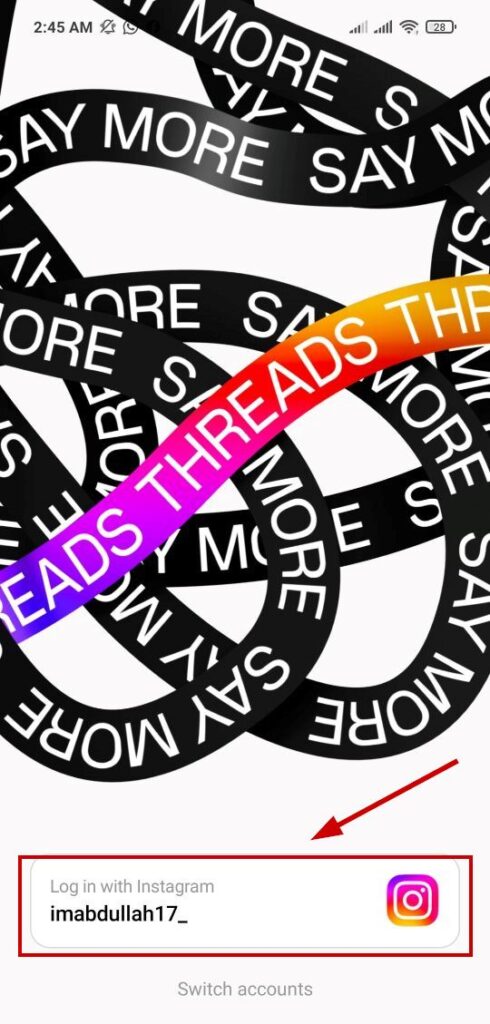
- Tap on log in with Instagram at the bottom.
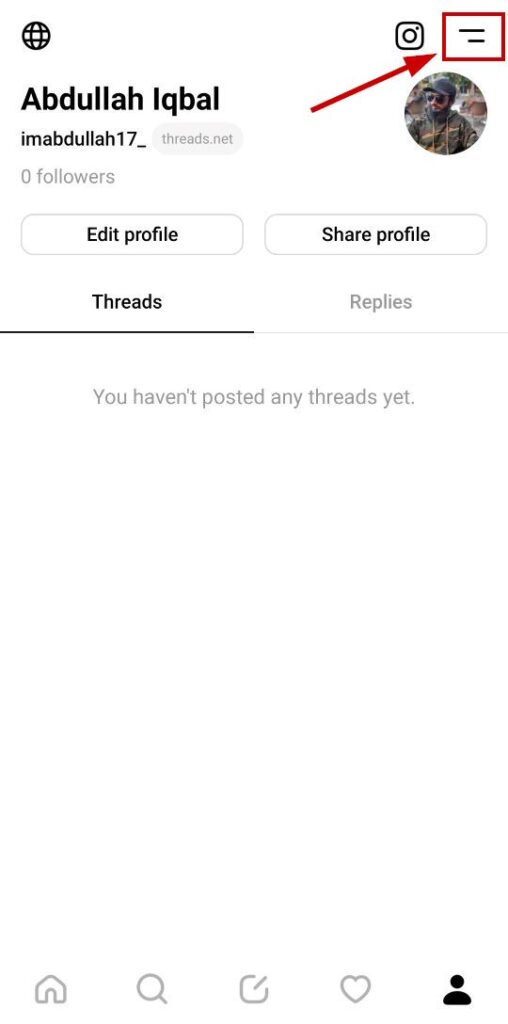
- Select the profile icon on the bottom right .

- Tap on the two-horizontal-lined menu icon in the top-right corner .
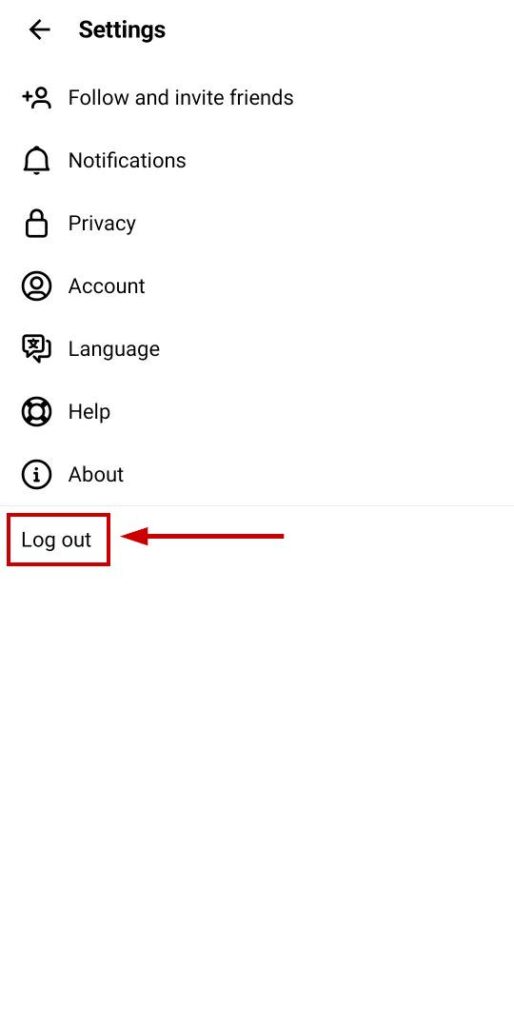
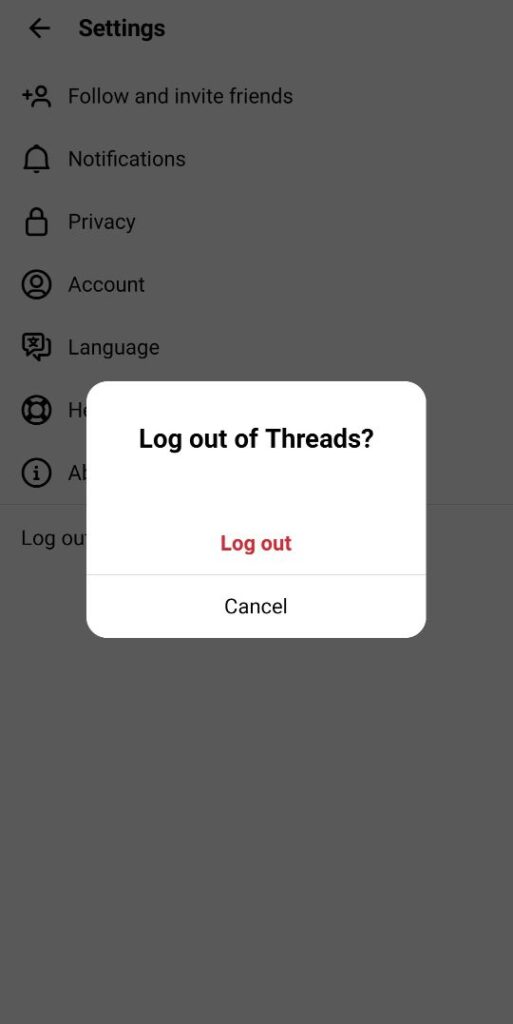
- Select Logout .
- Tap Log out again on the confirmation prompt .
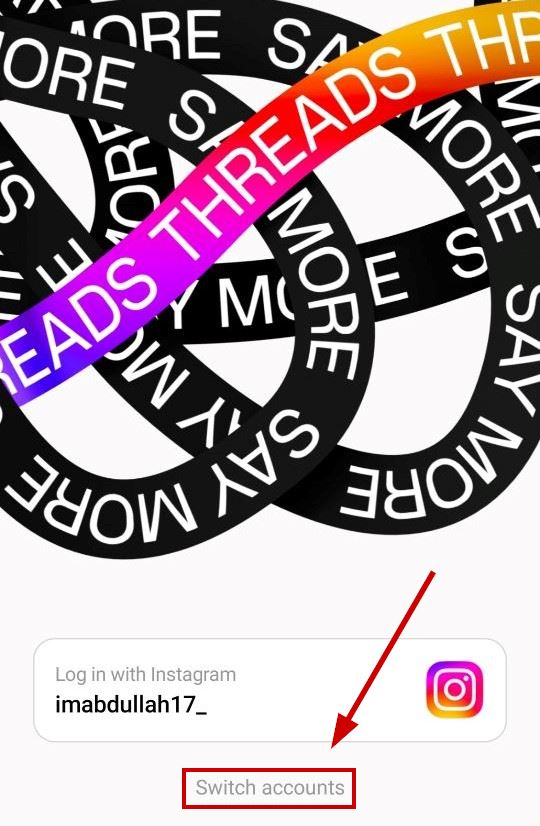
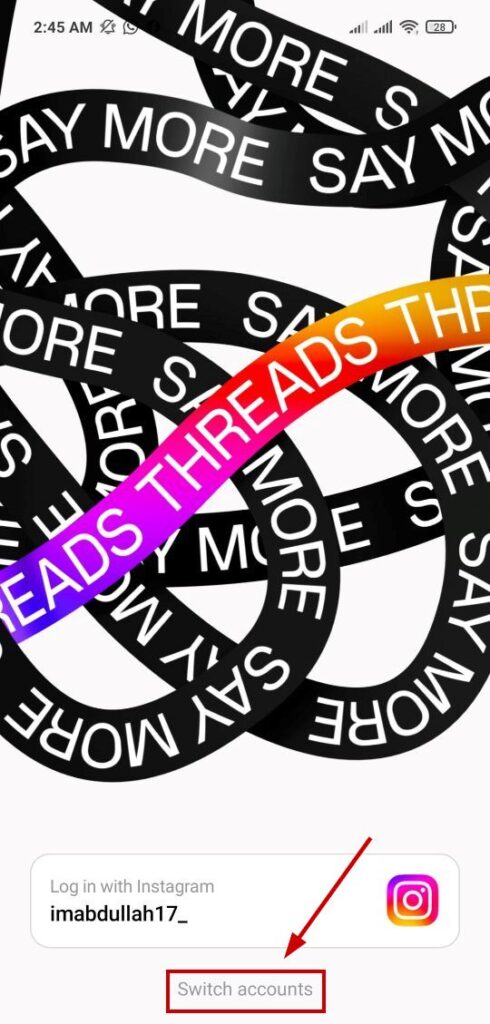
- Afterward, tap on Switch accounts at the bottom.
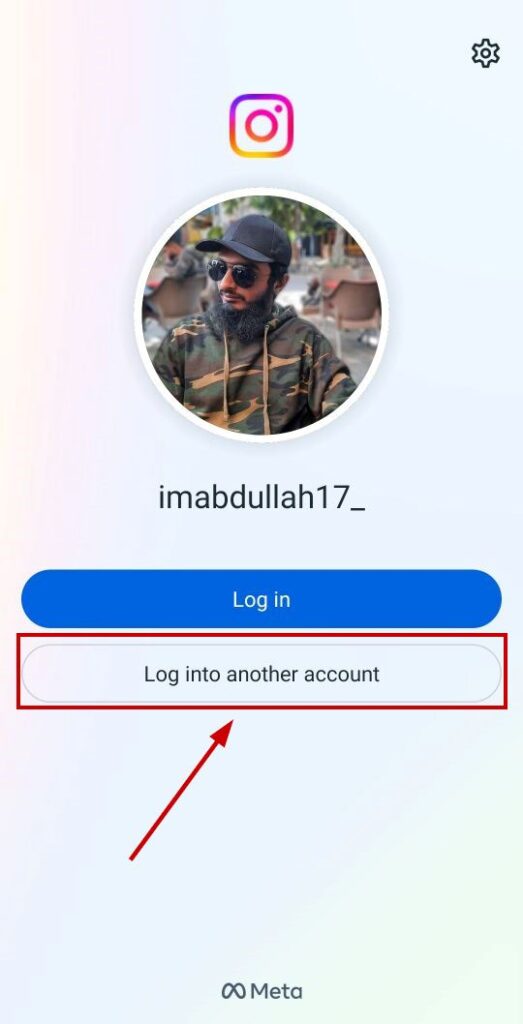
- Select Log into another account .
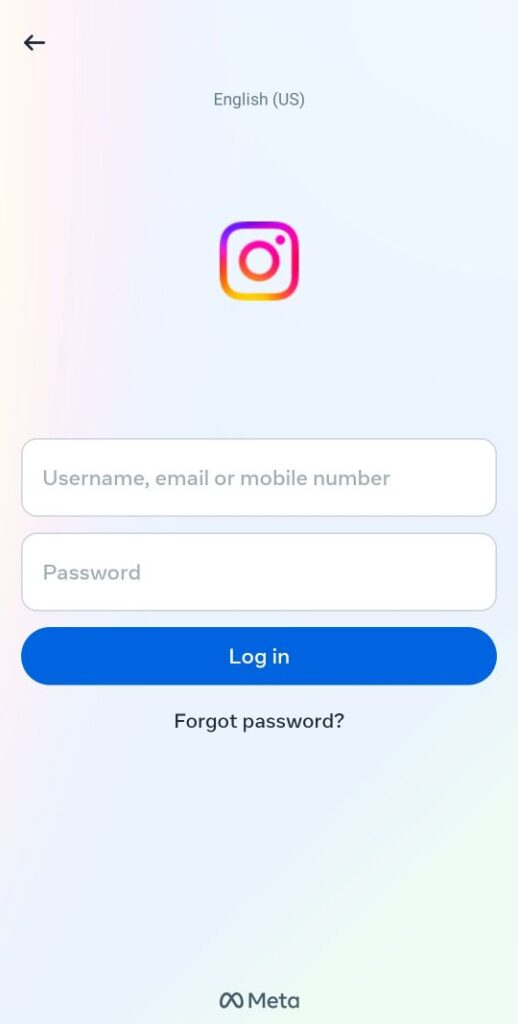
- Enter the username, email, or mobile number linked with that Instagram account .
- Enter the password .
- Tap on Log in .
And that’s how you can switch accounts on Threads. Now, if you want to log back into the previous account or a different one, follow the same procedure as above.
You can also clone the app to use the secondary account. However, that won’t be very convenient if you want to use more than 2 accounts. Therefore, switching between accounts is the easiest and least time-taking process to use multiple IDs.
