Are you tired of your computer’s slow performance? Driver Booster can help! This guide will show you how to get a free license key. Learn about the Pro features, the differences between free and Pro versions, and system requirements. We’ll also cover how to find codes online and activate your key.

- Free vs. Pro version of Driver Booster
- Official way to get Driver Booster Pro
- How to Get Driver Booster License Key for Free? 1. Explore Reputable Tech Forums and Websites 2. Check Online Communities 3. Follow Software Review and Tech Deal Sites 4. Subscribe to Tech Newsletters
- How to Activate the Driver Booster key?
Free vs. Pro version of Driver Booster
The free version of Driver Booster covers basic driver updates and PC fixes. The Pro version adds more, with automatic updates , a more extensive driver database , faster speeds , and extra support , perfect for thorough optimizations and ease of use.
Here’s a brief comparison table highlighting the key differences between the Free and Pro versions of Driver Booster:
| Feature | Free Version | Pro Version |
|---|---|---|
| Driver Updates | Automatic | Advanced automatic + options |
| Database Access | 6.5M+ drivers | Extended database |
| Offline Updates | Supported | Enhanced support |
| System Fixes | Basic tools | Comprehensive tools |
| Uninstallation | Basic | Enhanced cleanup |
| Speed | Standard | Accelerated |
| Auto Update | No | Yes |
| Backup & Restore | No | Yes |
| Support | Limited | Priority |
Official way to get Driver Booster Pro

IObit’s Driver Booster is a trusted software solution designed to streamline the process of updating drivers, ensuring your system runs smoothly and efficiently. The only official and proper way to obtain Driver Booster is by purchasing it from IObit’s official website, iobit.com .
This guarantees you receive authentic software with all the features and security assurances of a legitimate purchase. IObit offers Driver Booster Pro in two distinct plans tailored to meet the needs of different users:
- 1 PC Plan : Ideal for individual users, this plan covers a single PC for a year at $19.95 .
- 3 PCs Plan : This plan costs $24.95 for a one-year subscription and is suited for users with multiple PCs.
How to Get Driver Booster License Key for Free?
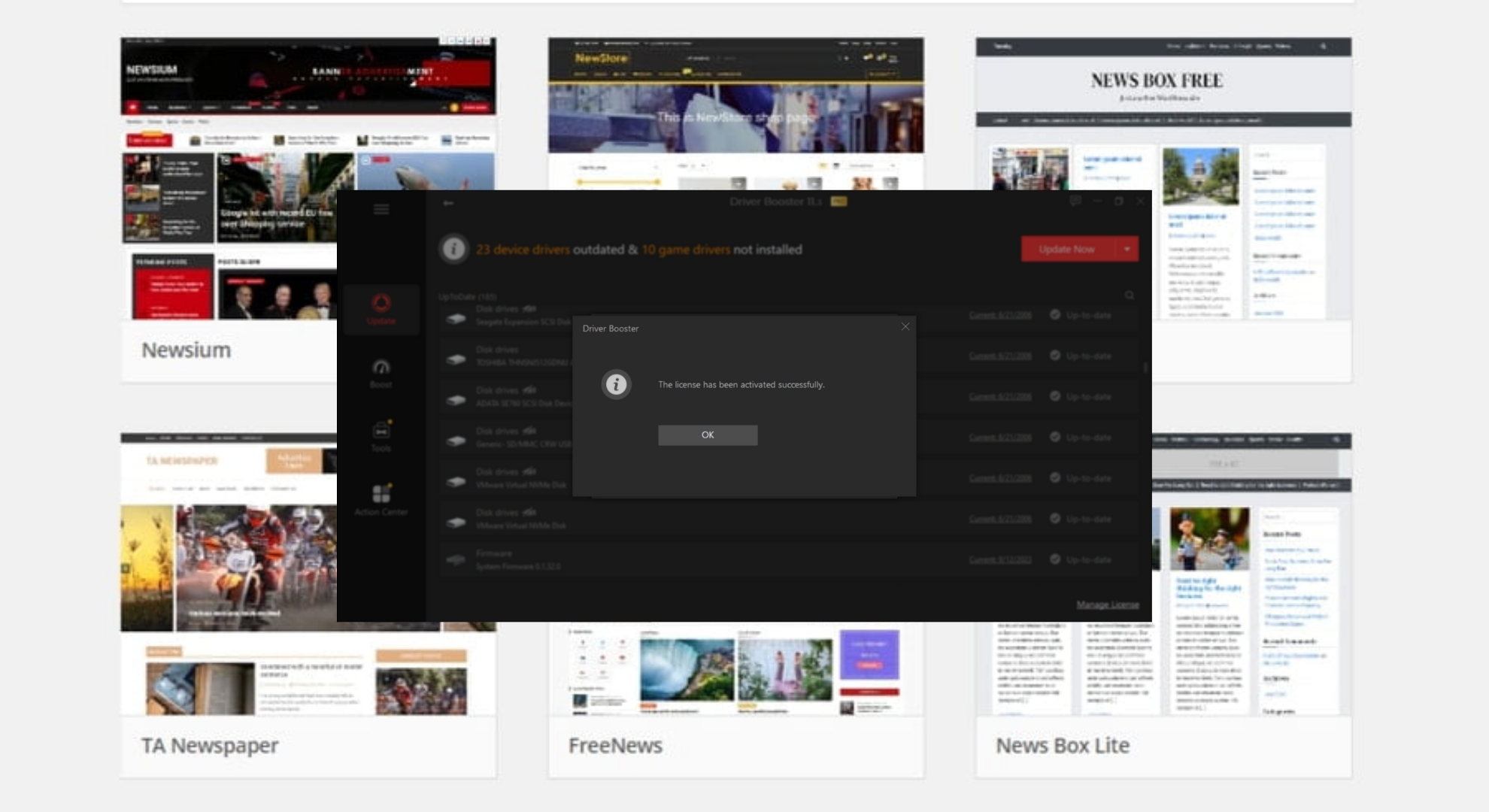
While the safest and most reliable way to access all the features of Driver Booster is by purchasing it directly from IObit’s official website, alternative methods exist to obtain a license key for free.
Various websites and online platforms occasionally host special giveaways that offer the chance to get a 6-month or 1-year Driver Booster license key at no cost. Here’s how you can take advantage of these opportunities:
1. Explore Reputable Tech Forums and Websites
Many technology-focused forums and websites occasionally offer promotional giveaways, including software like Driver Booster. These sites might partner with software developers for special events that provide participants with free license keys.
2. Check Online Communities
Platforms like Reddit and tech forums occasionally share info on promotions or giveaways for Driver Booster 10 keys. These offers are time-sensitive and might involve participating in community activities.
3. Follow Software Review and Tech Deal Sites
Websites dedicated to reviewing software or sharing tech deals often have promotional blog posts or articles where you can win or directly receive a free license key for various software, including driver updaters like Driver Booster.
↪ Important Considerations
- Verify the source : Ensure the code comes from a reputable website to avoid scams or malware.
- Limited availability : Free license keys obtained through these ways are often limited in number and may be given on a first-come, first-served basis.
- Promotional terms : Understand the terms and conditions, including the license duration, which might be shorter than the standard one-year subscription.
- Stay informed : Regularly visiting tech blogs , forums , and websites can help you stay updated on potential giveaways and offers.
How to Activate the Driver Booster key?
Once you have the license key, here’s how to get Driver Booster Pro working on your computer:
- First, download the Driver Booster setup file. Download the software
- Go to your Downloads folder and double-click the downloaded file to set it up on your computer. Double-click on the downloaded file
- Follow the steps that pop up on your screen to install the program. Install the software
- After installing, open Driver Booster and look for a “ key ” symbol to click on. Click on Activate key option
- A window will pop up asking for a license key. Enter one of Driver Booster keys and click the “ Tick ” option to activate. Enter the key and click Tick option
- A message will show up saying you’ve activated it successfully, and now you can use all the special features. Activation successful
By doing these steps, you can use Driver Booster Pro with all its features, like backing up drivers, getting help for free, and having your drivers updated automatically.
How to Fix “Printer is in an error state” Issue?
The error “ WinRAR Error: Next Volume Is Required ” usually appears when you’re extracting a multi-part RAR archive and WinRAR can’t find (or can’t correctly identify) the next file in the sequence . This often happens when a volume is missing , stored in a different folder , or renamed in a way that breaks the archive’s expected order .

In this guide, we’ll go over the most reliable fixes confirmed by affected users, along with what each method is doing behind the scenes so you can choose the right one for your situation.
Important: To extract multi-volume archives, you should always start extraction from the first file in the set. This is usually file.part1.rar , or (in older sets) the main .rar file that comes before .r01 , .r02 , and so on.
1. Download and Place the Missing RAR File
WinRAR needs all parts of a multi-volume archive to complete extraction. This error usually appears when one of the volumes in a set like .part2.rar , .r01 , .r02 , .001 , and similar naming formats is missing . Downloading the missing volume and placing it in the same folder as the other parts allows WinRAR to continue extracting normally .
- Look at the error message or review the list of archive parts in the folder.
- Identify which volume is missing (for example, part2.rar , .r02 , .001 , etc.).
- Go back to the website or source where you downloaded the archive.
- Locate and download the exact missing file using the same naming format as the others.
- Make sure the new file name matches the pattern of the rest. Example: If you have file.part1.rar and file.part3.rar , the missing one must be file.part2.rar .
- Move the downloaded missing volume into the same folder as the other archive parts.
- Confirm that all parts are in a single folder before extracting.
- Right-click the first file in the series (usually part1 or the main .rar file) and select Extract Here or Extract to Folder .
- WinRAR should now detect all volumes and continue extraction normally .
2. Manually Browse & Select the Next Volume
Use this method only if the next volume already exists , but WinRAR is failing to detect it automatically. This can happen due to incorrect naming , the file being in a different location , or a temporary file access issue. Manually browsing helps WinRAR locate the correct volume and resume extraction without interruption .
- Right-click the first file in the series (usually .rar or part1.rar ) and select Extract Here or Extract to Folder .
- When WinRAR cannot find the next volume, it will show the “ Next Volume Is Required ” message.
- A small window will appear, allowing you to manually select the next volume .
- Use the file explorer window to locate the folder where the other archive parts are saved.
- Select the next part based on the naming order (example: select file.part2.rar after file.part1.rar ).
- Make sure the selected file matches the naming format of the archive (no extra characters like (1) and no mismatched numbering).
- WinRAR will resume extraction using the selected volume .
- If additional volumes are missing or stored separately, WinRAR may prompt you again. Repeat the same process until extraction completes.
3. Rename the RAR files in Order
WinRAR relies on a proper naming sequence (such as file.part1.rar , file.part2.rar , file.part3.rar ) to extract multi-volume archives. If a file is named incorrectly, contains extra characters, or is out of order, WinRAR may fail to locate the next volume and show this error. Renaming the files correctly helps WinRAR follow the sequence and extract the archive without interruptions .
Note: Renaming only changes the file name , not the file contents. The goal is to restore the correct sequence so WinRAR can detect the next volume.
- Go to the folder where all the RAR files are saved.
- Make sure all parts of the archive are present and stored in the same folder .
- Check how the parts are currently named . Common patterns include:
file.part1.rar, file.part2.rar, file.part3.rar
file.rar, file.r01, file.r02, file.r03
- Look for files that don’t match the expected numbering pattern (for example, file.part01.rar , file.part1(1).rar , or unrelated names).
- Rename each file so it follows the same order without extra characters or mismatched numbering. Example:
Incorrect: file.part1.rar, file.part3.rar, file.part2(1).rar
Correct: file.part1.rar, file.part2.rar, file.part3.rar
- Make sure the text before the number is exactly the same for all files.
- Only the last part number should change.
- Right-click the first file in the series (usually part1.rar or the main .rar file) and select Extract Here .
- WinRAR should now recognize the sequence and continue extraction normally .
If you still get the same prompt: the archive set is likely incomplete (a part was never downloaded or was removed), or one of the volumes is corrupt and must be re-downloaded from the original source.
