Closing Amazon Account
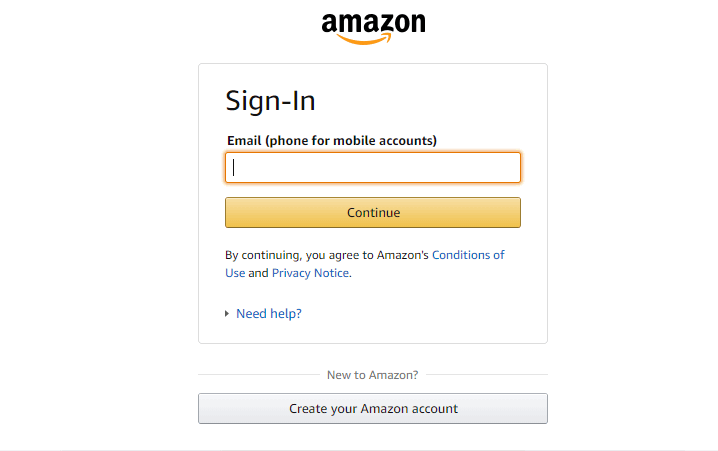
- Go to Amazon’s official website and Sign in to your account by clicking the Sign in button at the top right side. Sign in to Amazon account
- Make sure you check your orders before closing the account. Click on the Order button at the top right. If there are any pending orders, you can cancel them. Checking the Orders
- Now from the main page of Amazon scroll down to bottom and click on the Help link as shown below: Clicking on the Help
- Scroll down the page, click on the Need More Help button and choose the Contact Us option. Contact Us button for Amazon website
- Here you need to select Prime or Something else tab. In the tell us more select Login and security and Close my account options as shown below: Choosing the Close Account option
- It will provide the options below through which you can contact them and ask them to close your account. The options are E-mail , Phone , and Chat . You can select any method and provide details about closing the account. Methods for closing account
- Finally, you will get a successful message that it was successfully requested for closing the Amazon account. It will take up to 12 or 24 hours for them to respond to your request. Successful message
