- Calls to a specific number may not go through due to various reasons such as incorrect number entry, network issues, or phone settings like Do Not Disturb or Airplane Mode being activated.
- Temporary glitches, service provider problems, or technical faults in devices can interfere with connectivity. Restarting the device or checking for updates might resolve such issues.
- If you still can’t get through, try different methods like texting or using another phone. Also, consider the possibility that you might have been blocked.
When you can’t reach your favorite person to spill the latest tea, your co-worker to discuss the recent changes, or worse, a family member in an emergency , all kinds of speculation take place.
But before you let your assumptions ruin your relationship, realize that there may be other reasons your call is unable to connect . While they could be deliberately ignoring you or just busy with their life, many have experienced their calls not going through to a certain number entirely. But why does that happen?
- Call Not Going Through to a Certain Number — Explained
- Why Won’t My Call Go Through to a Certain Number? 1. Double-Check the Number 2. Poor Network Connection 3. Temporary Glitches 4. DND or Airplane Mode is Enabled 5. You Have Been Blocked 6. Technical Issues 7. Service Provider Issues 8. Try an Alternate Method
- Wrapping Up
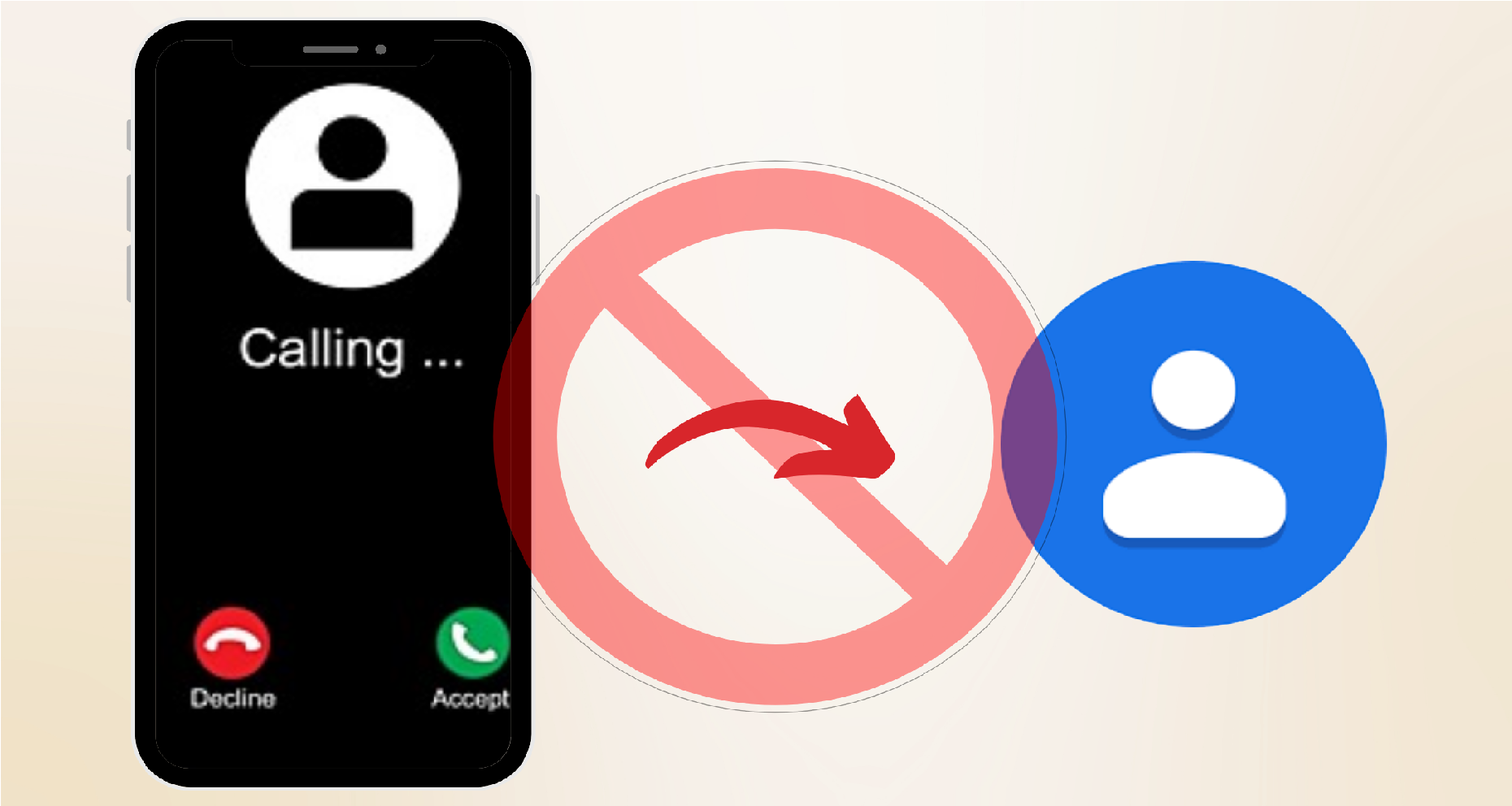
Why Won’t My Calls Go Through to a Certain Number
Call Not Going Through to a Certain Number — Explained
Let’s say you’re attempting to contact a specific individual over a phone call but are unable to do so. Upon placing a call, no dial tone is established. Instead, it either plays an automated message , goes silent , or directs you straight to their voicemail , while they only receive a missed call notification in their log.
The issue is so specific that that person can uninterruptedly connect with you, and you can also connect with other contacts on your phone. Now, although downloading a third-party calling app may be a quick workaround, it’s not a long-term solution, considering your cellular service package is practically going to waste.
Why Won’t My Call Go Through to a Certain Number?
If you’ve been struggling to get a hold of a particular contact for ages, and it keeps resulting in an unsuccessful attempt, it’s time to discover the real issue and try to overcome it. Let’s put an end to your overthinking by making you aware of the potential causes and solutions for this problem.
1. Double-Check the Number
As the saying goes “ To err is human “, it is possible that you have been dialing the number wrong all along. Therefore, it’s always recommended to double-check the number before giving it a call. If by accident, you have entered an incorrect country or area code , the number won’t dial and will continue to give you error.
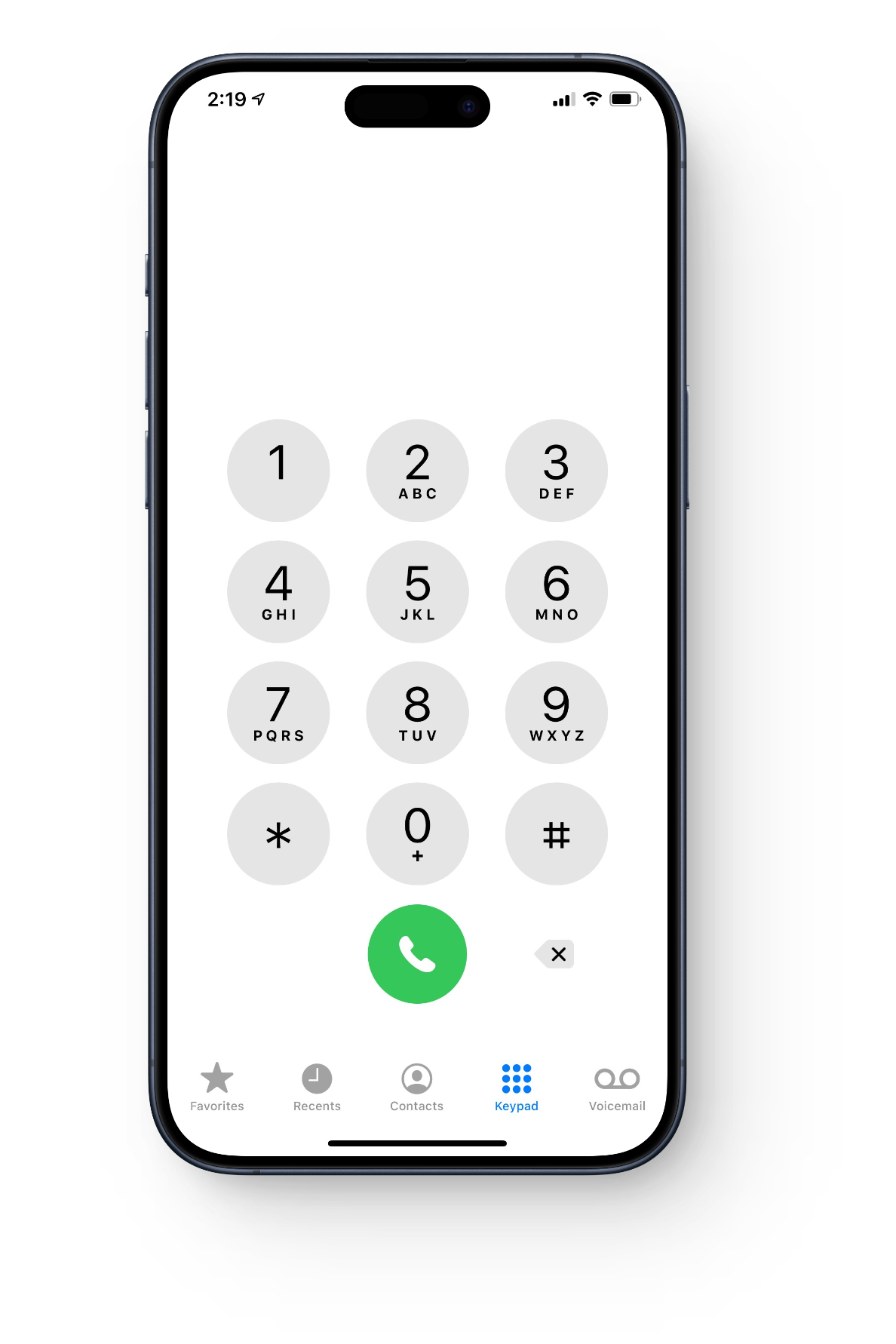
Ensure the number is authentic
Similarly, the number may not even exist. So, it’s better to ensure the authenticity of the number before thinking of the extreme.
2. Poor Network Connection
Network signals play a crucial role in the effectiveness of your phone calls. Weak signals or an unstable network act as an obstacle in establishing a proper phone call. Hence, ensure you have strong signal strength on your device and move to a place with better network coverage .
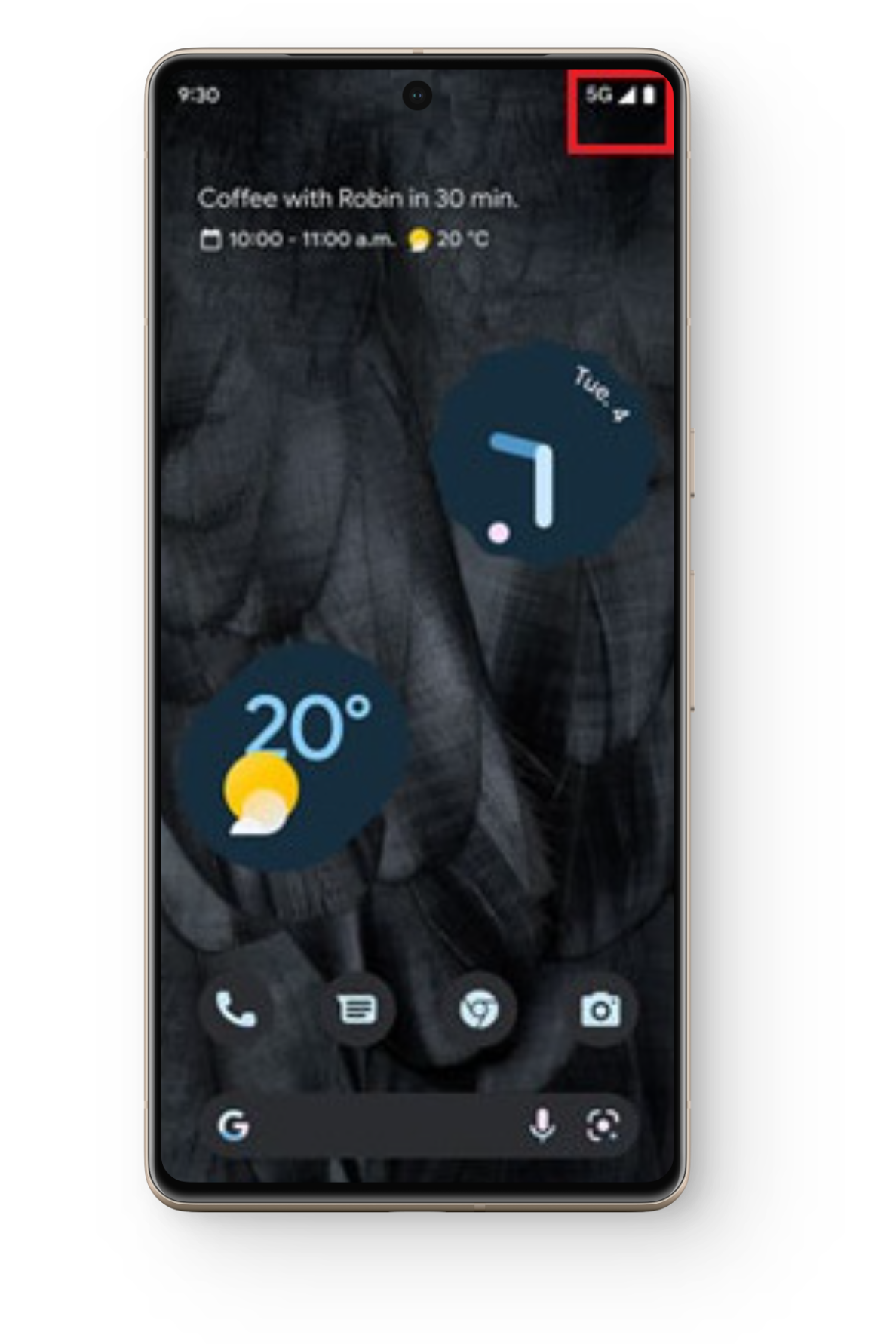
Check network signal strength at the top-right corner of the screen
This can also be the case from the other side, if the recipient is in a low network coverage area, you will hear a recording state that the number cannot be reached or is switched off .
3. Temporary Glitches
What’s a machine without some malfunctioning ? Well, go easy on your device as the reason for the inability of your call to reach the recipient might be as simple as a temporary software glitch . If this is the case, the best solution is to wait it out . You’ll be surprised to see that patience goes a long way even in tech!
If patience is not your strong suit, or you need to make an urgent call, try restarting your device . This will refresh your network connection and eliminate any software glitches conflicting with your phone call. And if you have any pending software updates , don’t avoid installing it any further.
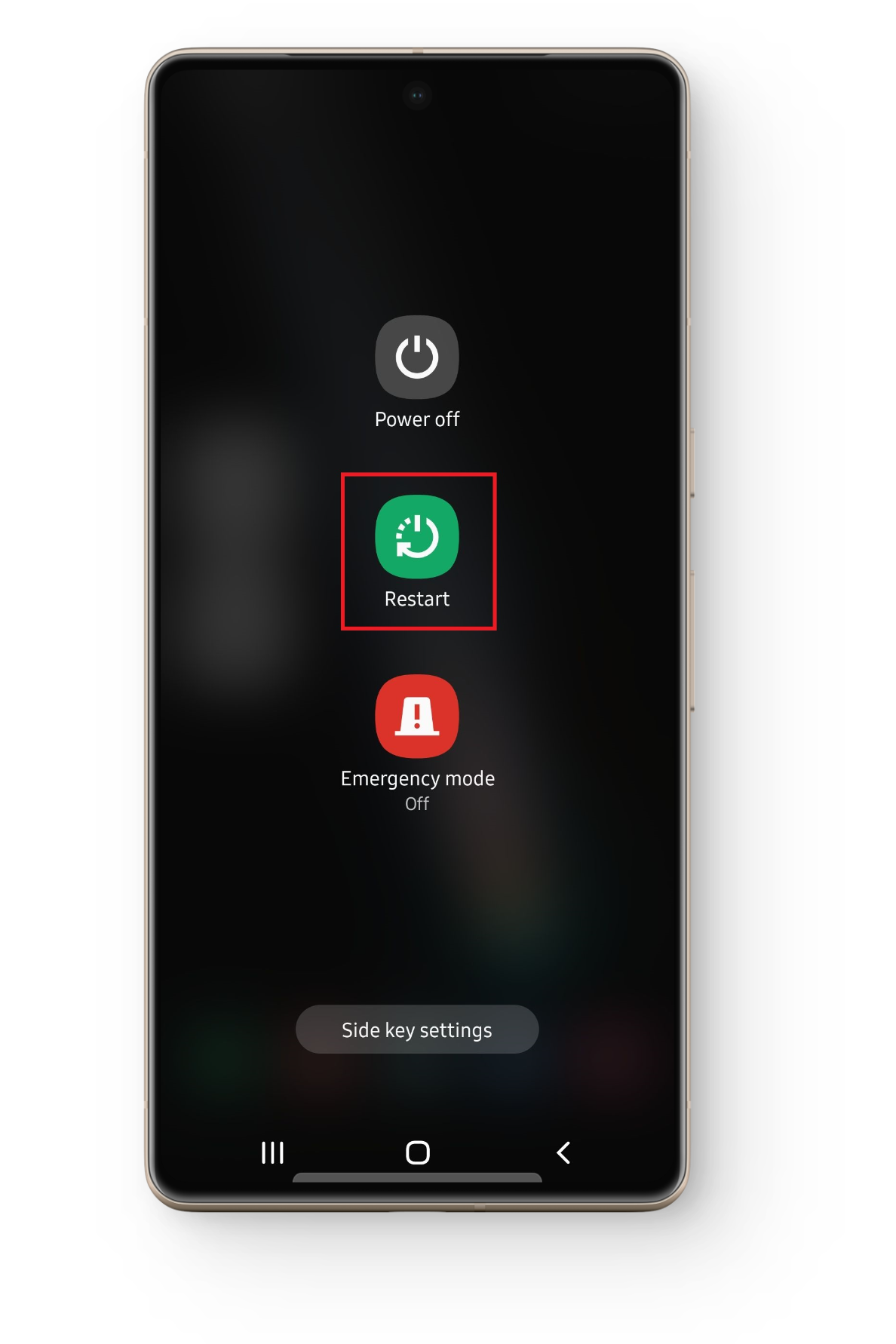
Restart device for a fresh restart
4. DND or Airplane Mode is Enabled
If the number you are trying to call has turned on Do Not Disturb (DND) mode on their device, your call will not reach them, rather it will go straight to voicemail . As this mode is specifically to block any disturbances, therefore enabling this mode results in the inability to place calls to that specific number.
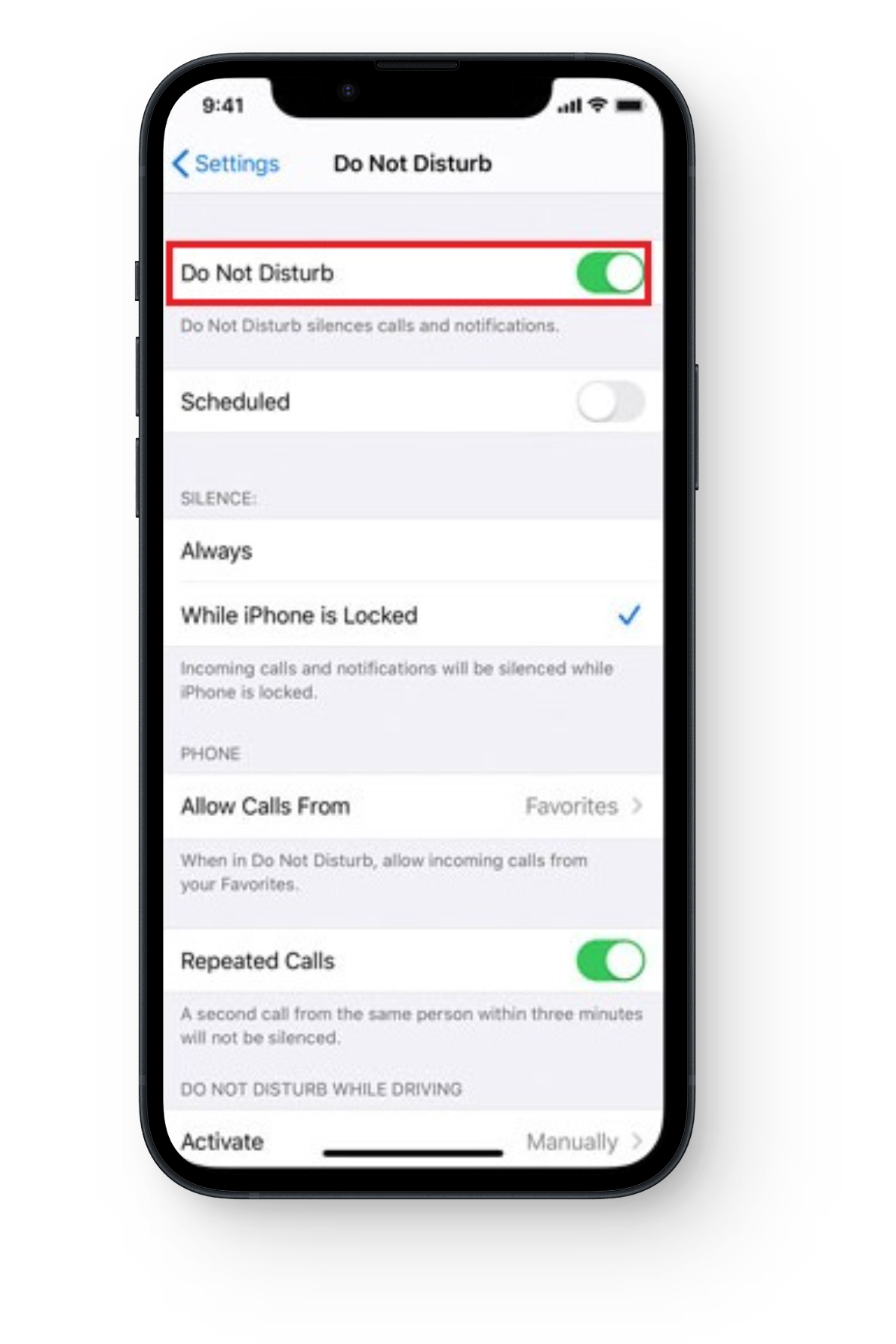
Toggle off DND mode
The recipient may have set the DND mode to only allow certain calls through, and your number might not be one of them. Similarly, enabling Airplane mode will disconnect both wireless and cellular networks. Only once that person has disabled this mode will they receive missed call notifications . If you can contact that individual by other means, ask them to disable this mode to make future calls possible.
5. You Have Been Blocked
Now, getting blocked by individuals isn’t a new concept to this generation. However, the recipient may have blocked you intentionally or unintentionally, or maybe your number doesn’t fall in their “ allowed numbers ” list. If this is the case, your call won’t be getting through and will either lead straight to voicemail or a busy tone .
If you happen to be in their blocked list, unfortunately, there isn’t much you can do but directly sort out the issue or accept your fate. Similarly, check from your side if you have blocked that certain number by accident or for privacy reasons . If so, remove them from your blocked list through your device’s settings to contact them again.
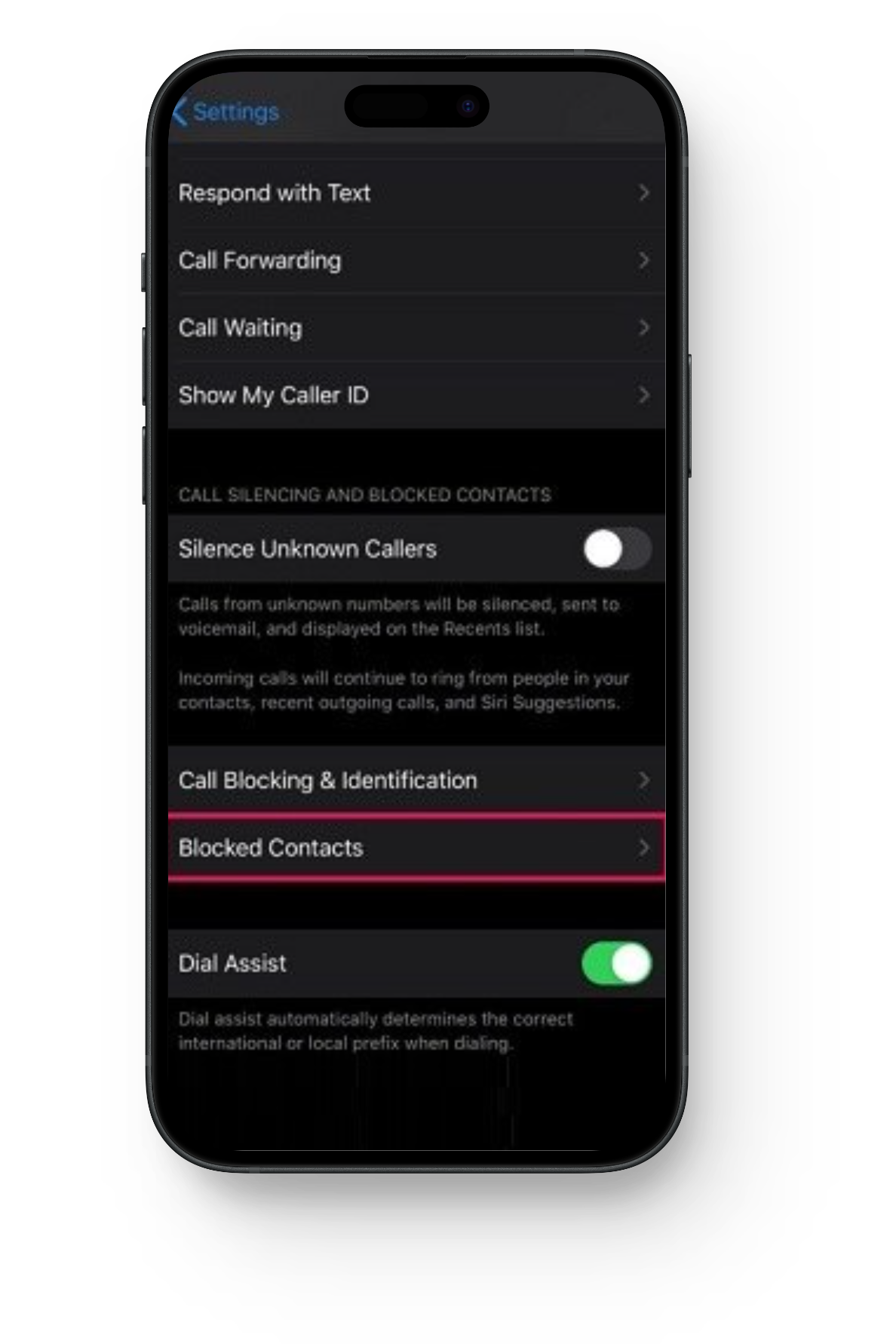
Check if the certain number is blocked
6. Technical Issues
Technical faults within your device or the recipient’s also prevent calls from reaching their device. For example, faulty hardware can result in improper functioning of the phone, therefore, interfering with calls, etc. It’s best to inform the recipient if this is the case, and have your devices thoroughly examined for any technical issues.
7. Service Provider Issues
That certain number you’ve been trying to call may have changed their service provider . When porting to a new provider, it usually takes time for the networks to fully sync up. During this period, the person may experience dropped and misdirected calls , thus why your call is unable to reach them.
Moreover, it is also possible that your service provider has imposed certain restrictions on your account for a number of reasons including billing problems . It is advisable to contact your service provider and discuss any such restrictions that might be the root cause.
8. Try an Alternate Method
Lastly, you always have the option to opt for another method to contact that certain number. Try calling from a different cell phone or use a texting or calling app instead. The good part about this technological era is that it contains several mediums for communication. If you’re having trouble with one, there’s many more to choose from!
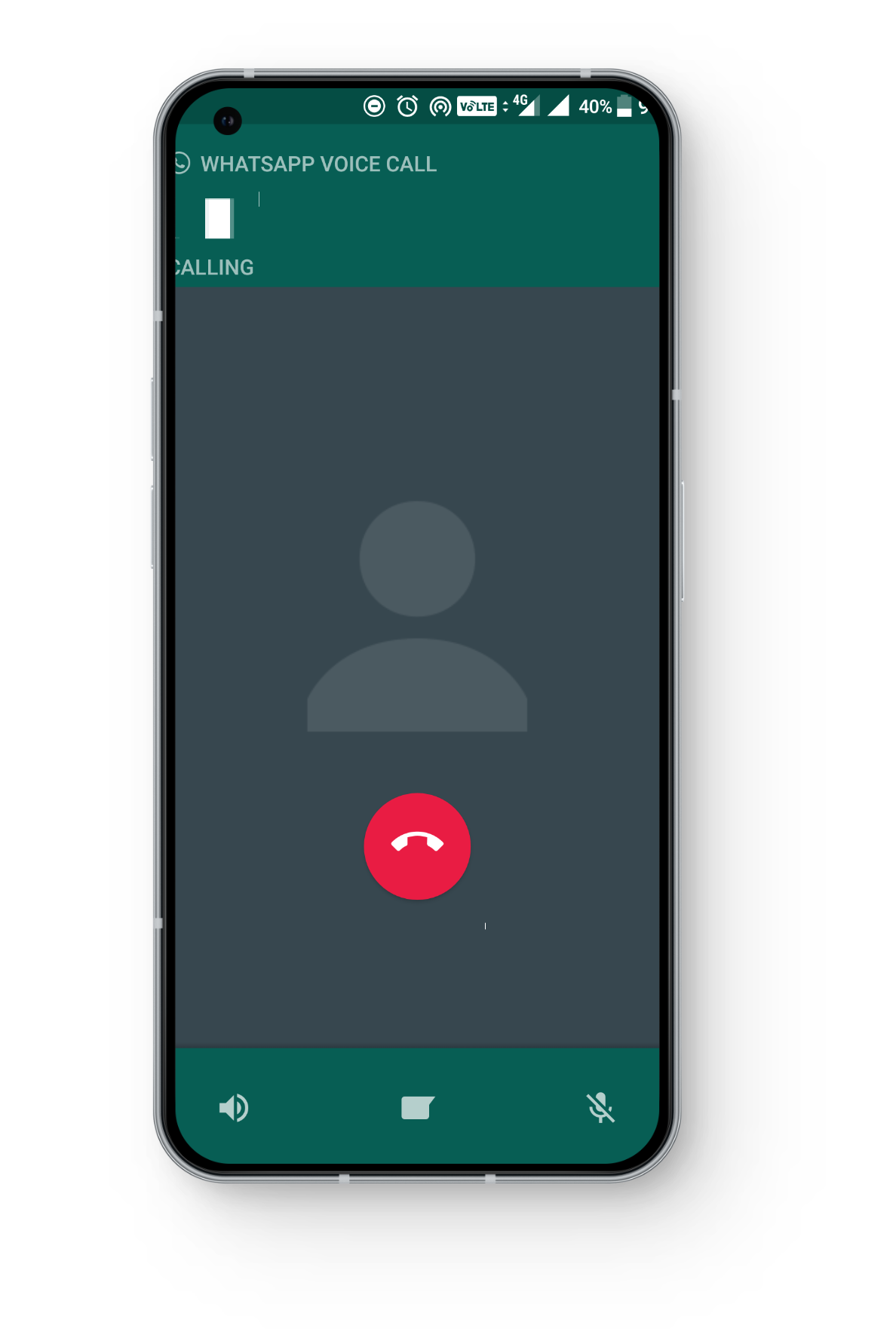
Calling via WhatsApp
Wrapping Up
Well, before jumping to extreme conclusions, it’s always best to explore potential reasons and their solutions to reach that specific contact. In emergencies though, it’s crucial to immediately seek alternative methods before looking for solutions. But when enough time has passed and still no solution works for you, have the person ensure the problem does not reside in their SIM card or SIM slot .
They can try removing and re-inserting the SIM card or testing with a different one. And remember, there’s always the option to contact a professional or the service provider for further assistance.
Why Won’t My Call Go Through to a Certain Number
You can confirm whether you have been blocked by a certain number in two ways. The first indication is that your call will only ring once before reaching their voicemail. Secondly, you can try calling the same contact from another number, if it rings and connects normally, there is a high probability you have been blocked..
The best way to ensure there aren’t any issues with your account is by contacting your service provider. Generally issues related to billing, network limitations, or other factors put a restriction on your account, resulting in call failures.
An automatic hangup could mean several things such as being blocked by the person you are trying to contact, the number being deactivated, powered off, in Airplane mode, or insufficient balance fro
How to Fix “Printer is in an error state” Issue?
- Recognizing the importance of a printer’s duty cycle is crucial for choosing a device that matches your print volume needs. Staying within this limit ensures the printer operates efficiently and prolongs its lifespan, minimizing the risk of maintenance issues.
- Proper humidity, temperature, and cleanliness management can significantly enhance printer performance and maintain its duty cycle, preventing unnecessary wear.
- Enhancing a printer with upgrades like additional memory or better mechanical parts can improve its workload handling and extend its practical duty cycle, boosting overall durability and efficiency.
When choosing a new printer, you might come across the term “ duty cycle ” in the specifications. This guide will explain what a duty cycle is, why it matters, and how it can help you choose the right printer. We’ll keep things simple so you can easily understand how to use this information when shopping for a printer.
- Printer Duty Cycle: What It Means and Why It Matters?
- Why the Duty Cycle Is Key to Choosing the Right Printer?
- Duty Cycle vs. Recommended Monthly Print Volume: What’s the Difference?
- What Happens If You Ignore Printer Duty Cycle Recommendations? ↪ Real-World Scenarios: Why Exceeding the Duty Cycle Can Cost You
Printer Duty Cycle: What It Means and Why It Matters?

What is the meaning of Printer Duty Cycle?
The printer duty cycle represents the upper limit of a printer’s capacity—how many pages it can reliably process in a month before the risk of wear or malfunction increases. This figure is crucial for understanding printer performance limits and ensuring that your chosen printer can handle the expected work volume.
Manufacturers determine a printer’s duty cycle through stress testing, where the printer is pushed to its limit to identify how many pages it can produce each month before malfunctioning. These tests help set a reliable performance gateway for users.
A printer’s duty cycle is like a car’s speedometer—you wouldn’t drive a car at top speed all the time, and you shouldn’t push a printer to its maximum duty cycle. Doing so can lead to quicker wear and tear, more frequent maintenance, and a shorter lifespan.
If you’re unsure whether to choose an inkjet or laser printer, this detailed guide compares both options to help you make an informed decision.
Why the Duty Cycle Is Key to Choosing the Right Printer?

The Importance of Duty Cycle in printer selection
Knowing the duty cycle is essential when choosing a printer, as it determines how well the device can handle your monthly print volume without excessive wear or maintenance.
Here is why the duty cycle matters in printer selection:
- Fit for purpose: Selecting a printer with a suitable duty cycle ensures it can handle your monthly printing volume efficiently, reducing stress on its components.
- Longer lifespan and better performance: Staying within the duty cycle ensures optimal print quality and speed while prolonging the printer’s life, avoiding frequent breakdowns.
- Cost efficiency and reduced downtime: Operating within the duty cycle minimizes the need for repairs and reduces operational disruptions, managing long-term costs.
Duty Cycle vs. Recommended Monthly Print Volume: What’s the Difference?

Duty Cycle vs. recommended monthly print volume
The recommended monthly print volume is the optimal number of pages a printer should handle each month for the best performance and longevity. Unlike the maximum capacity indicated by the duty cycle, this number guides regular usage, ensuring the printer operates efficiently without excessive wear.
If your print volume regularly exceeds the recommended amount but stays within the duty cycle, the printer may operate safely in the short term, but it could still experience accelerated wear and reduced lifespan over time.
In such cases, consider upgrading to a higher-capacity printer or spreading print jobs across multiple devices to ensure long-term performance.
Here are the differences between the duty cycle and recommended monthly print volume:
- Duty cycle: Represents the maximum number of pages a printer can handle in a month without breaking down. It assesses the printer’s upper limit.
- Recommended monthly print volume: Suggests a practical, workable number of pages to print each month to keep the printer in good condition over its lifespan.
What Happens If You Ignore Printer Duty Cycle Recommendations?

Consequences of ignoring Duty Cycle recommendations |AndranikHakobyan via Canva
Ignoring the duty cycle limits poses more severe risks than exceeding the recommended monthly print volume, leading to serious long-term consequences.
While exceeding the recommended volume occasionally may result in additional wear and tear, consistently exceeding the duty cycle can lead to frequent breakdowns, reduced performance, and a shortened lifespan.
Ignoring duty cycle limits leads to frequent breakdowns, reduced performance, and increased maintenance, ultimately shortening the printer’s lifespan and causing more frequent operational downtime and higher repair costs. Long-term, pushing a printer beyond its limits leads to greater financial burdens due to premature replacements and inefficiencies.
↪ Real-World Scenarios: Why Exceeding the Duty Cycle Can Cost You
For example, in a busy law firm, overlooking duty cycle limits during a high-stakes period could cause a printer breakdown just before a critical deadline, delaying crucial legal filings and ultimately compromising client service.
For small businesses, consistently exceeding a printer’s duty cycle can lead to costly emergency repairs or premature equipment replacements, straining financial resources.
