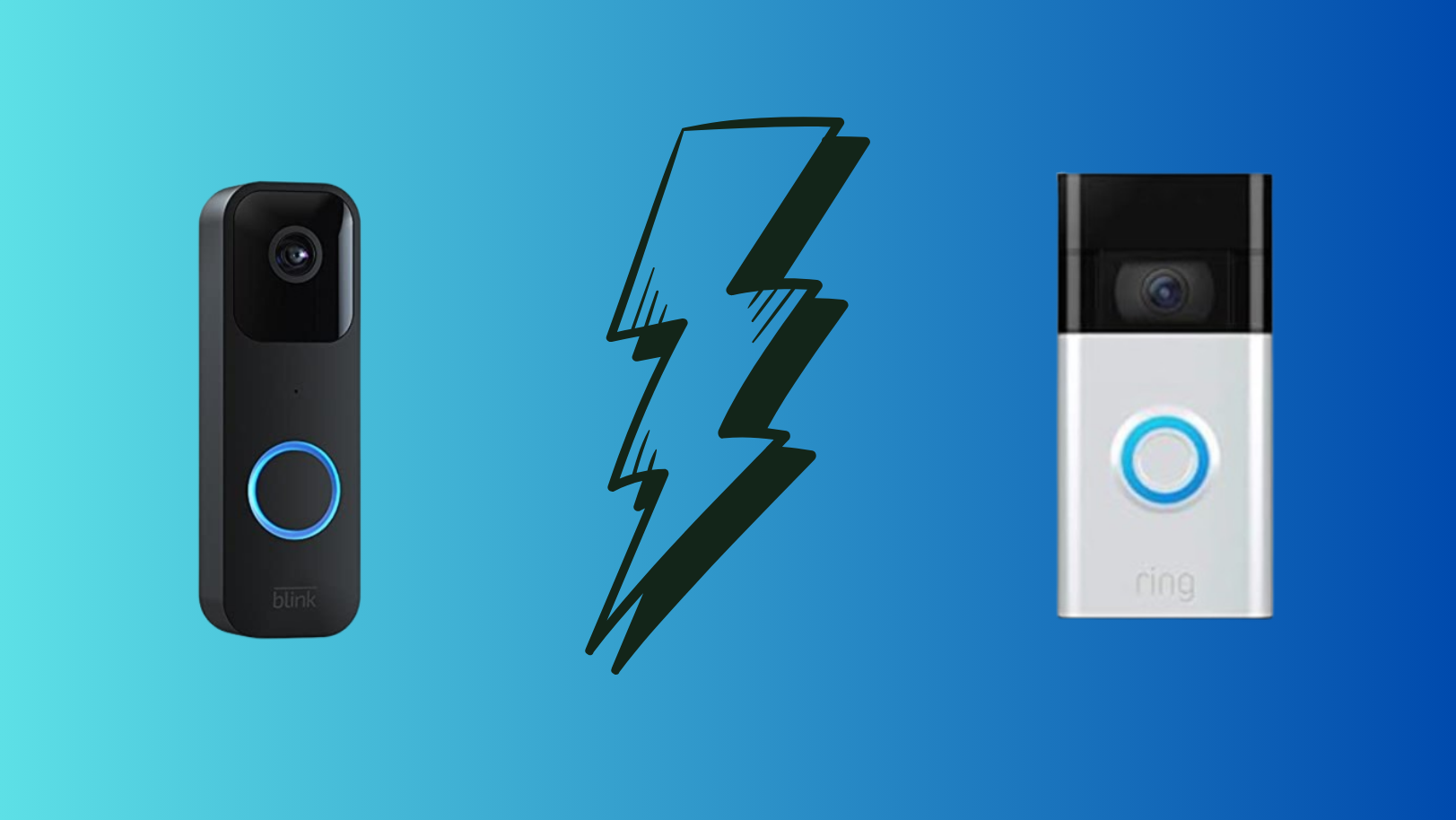
Blink and Ring Doorbell represent distinct approaches to smart doorbell technology, each with its own strengths and considerations. In this comparison, we will explore the key features, pricing, and user experiences of Blink and Ring Doorbell to help you make an informed decision for your home security needs. So, let’s get started!
- Blink vs. Ring Doorbell ↪ What’s Similar 1. Ownership 2. Purpose 3. Video Quality 4. Integration and Ease of Use 5. Indoor Monitoring 6. Mobile App Integration 7. Product Tiers 8. Motion Detection ↪ What’s Different 1. Design 2. Subscription and Storage 3. Features and Functionality 4. Setup and User Interface 5. Integration with Other Devices 6. Audio Features 7. Power Source 8. Night Vision Quality
Blink vs. Ring Doorbell
Blink offers a straightforward and budget-friendly approach to home security with its range of smart doorbell options. With easy installation and essential features, Blink appeals to users seeking reliable home surveillance without complexity or high costs.
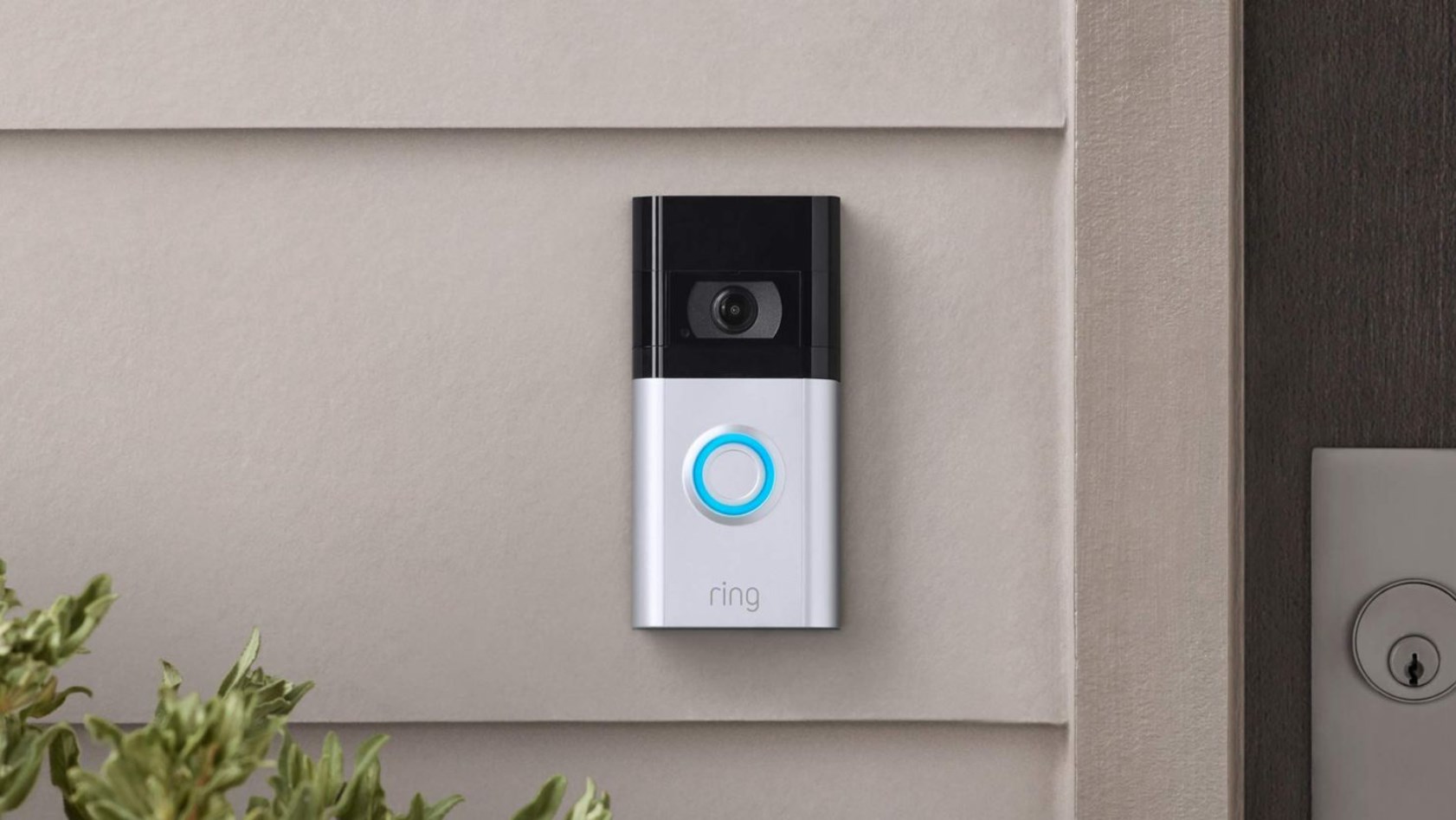
On the other hand, Ring is known for setting the standard in smart doorbells with its comprehensive features and seamless integration. Offering a wide range of models with advanced capabilities , Ring prioritizes versatility and connectivity in home security.
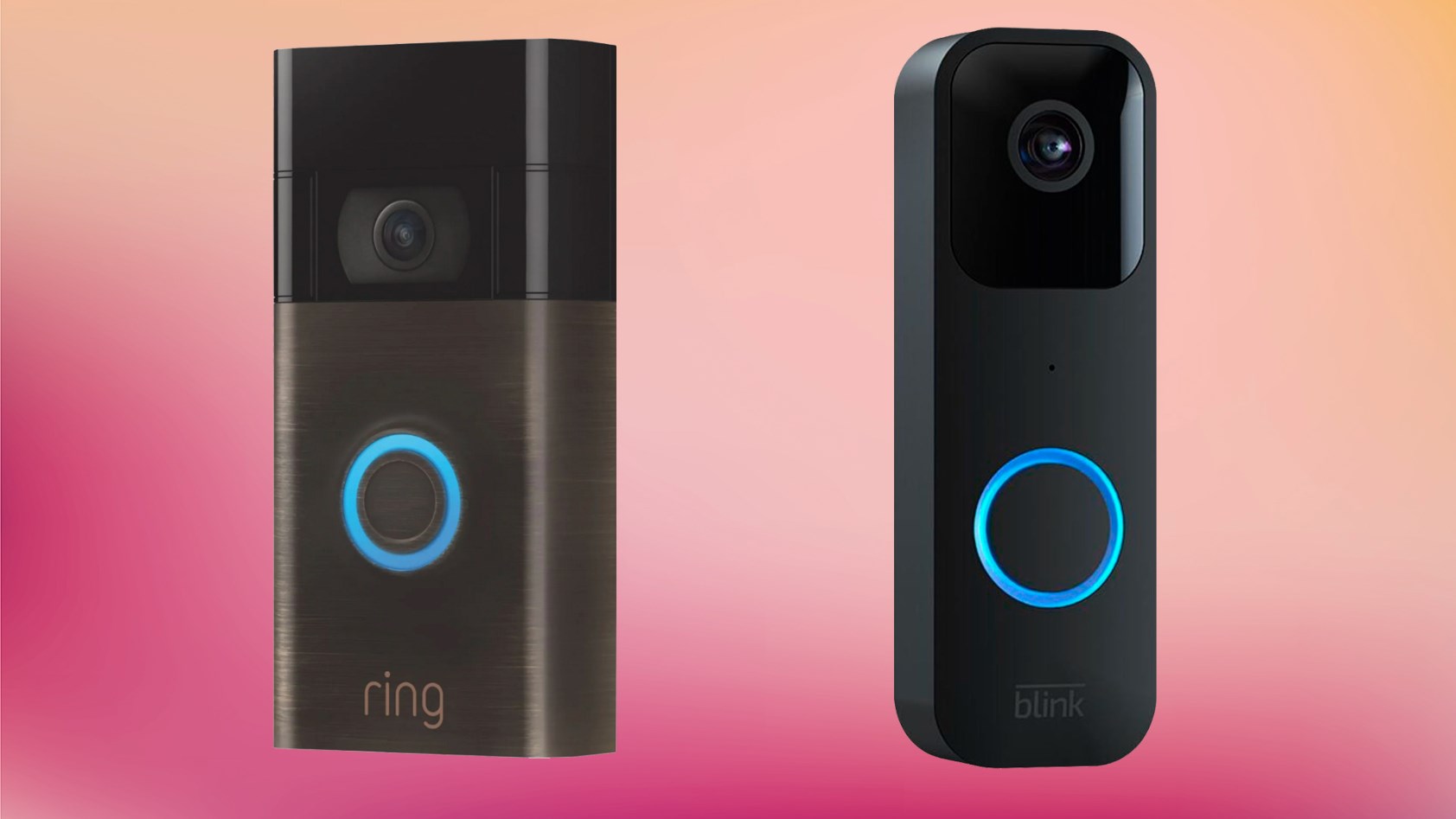
Now, we will compare the features of these two smart doorbells so you can decide which one is better for you. Let’s get into it.
↪ What’s Similar
First things first, let’s talk about what is similar in both brands:
1. Ownership
2. Purpose
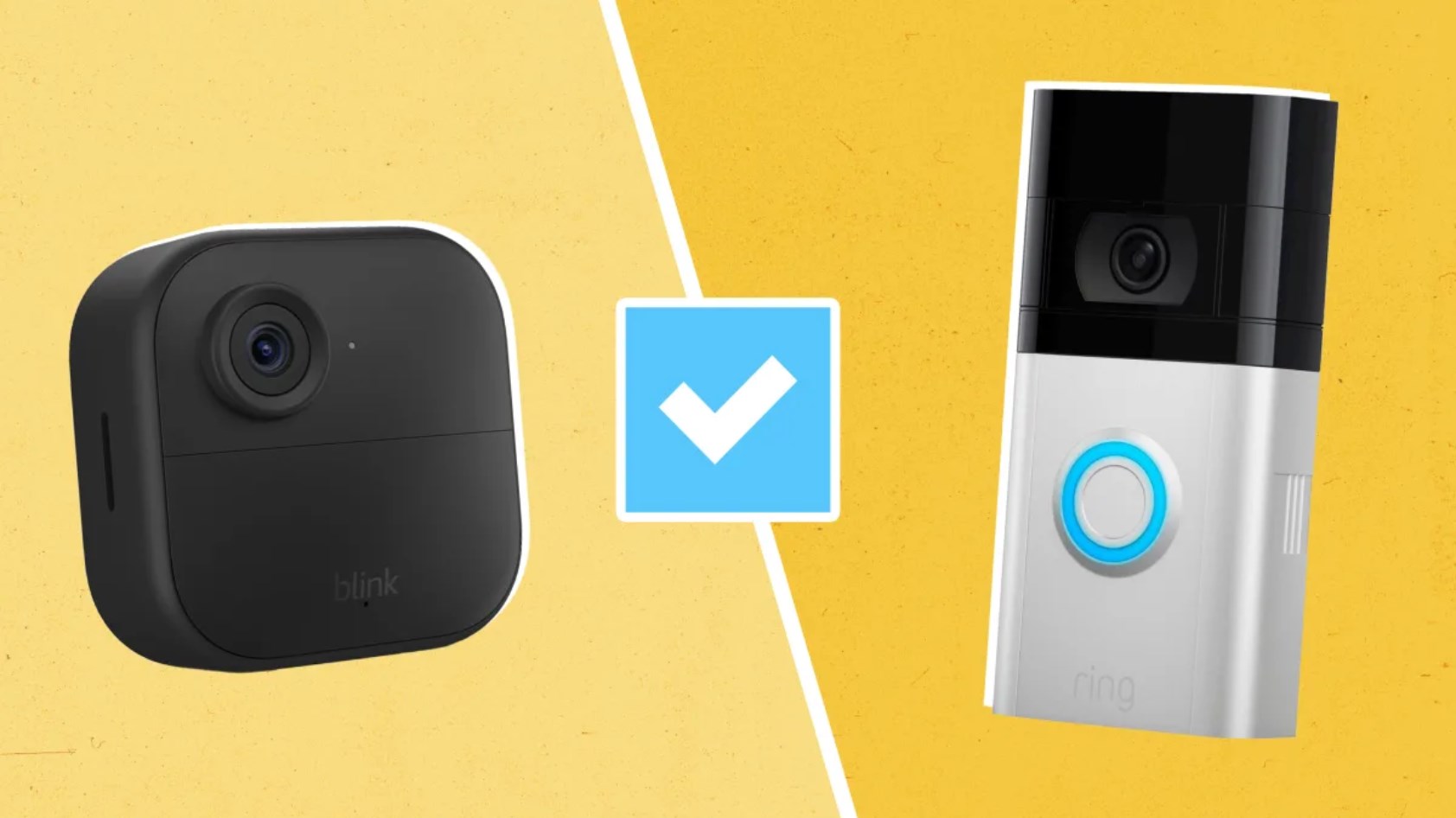
Both of these brands prioritize providing homeowners with a sense of security and convenience through their video monitoring and interactive features. These features allow users to monitor their homes remotely, receive alerts for any detected activity, and interact with visitors at their doorstep.
3. Video Quality
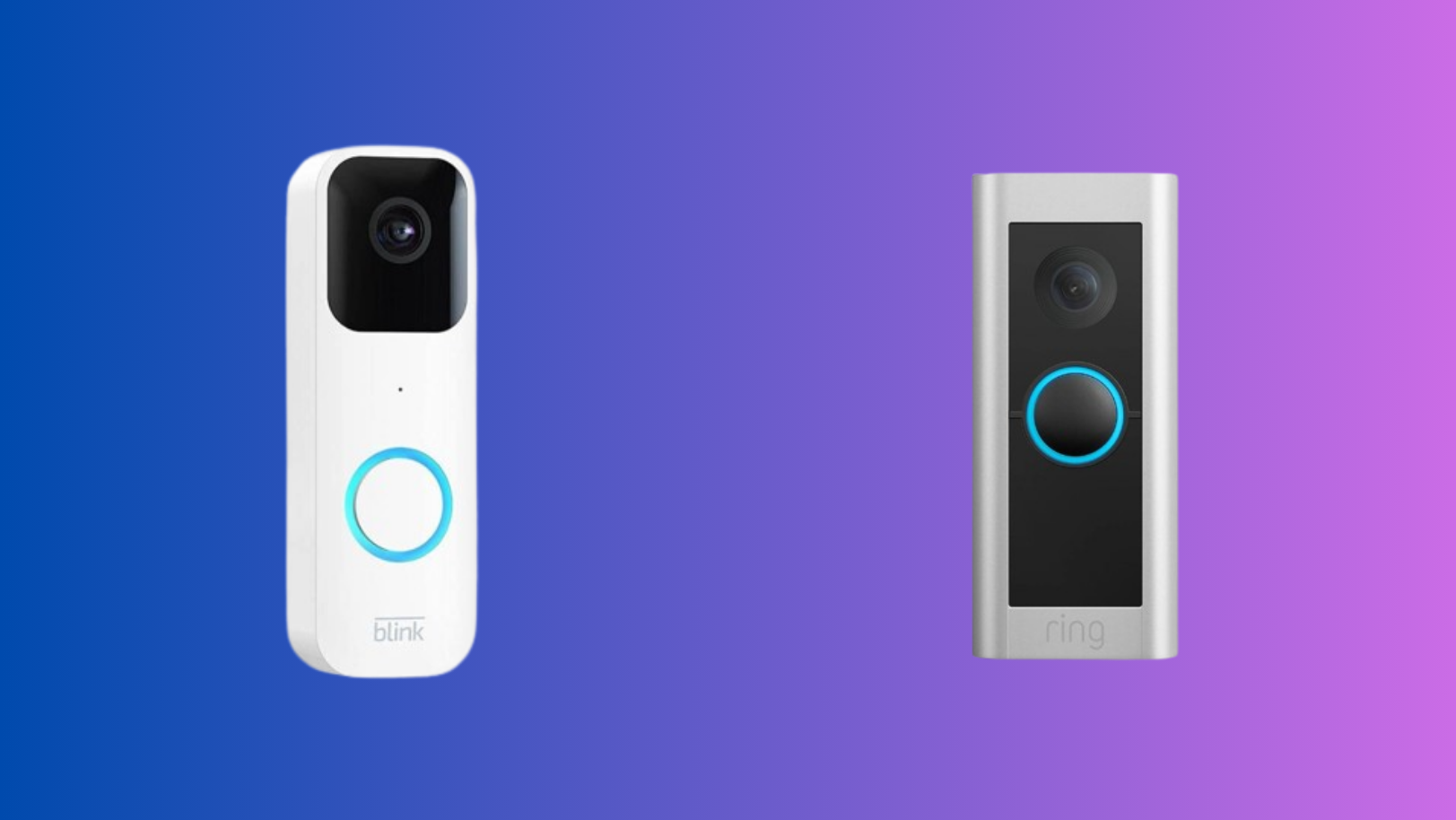
Both devices typically offer high-definition video quality, allowing you to see clear footage of your surroundings.
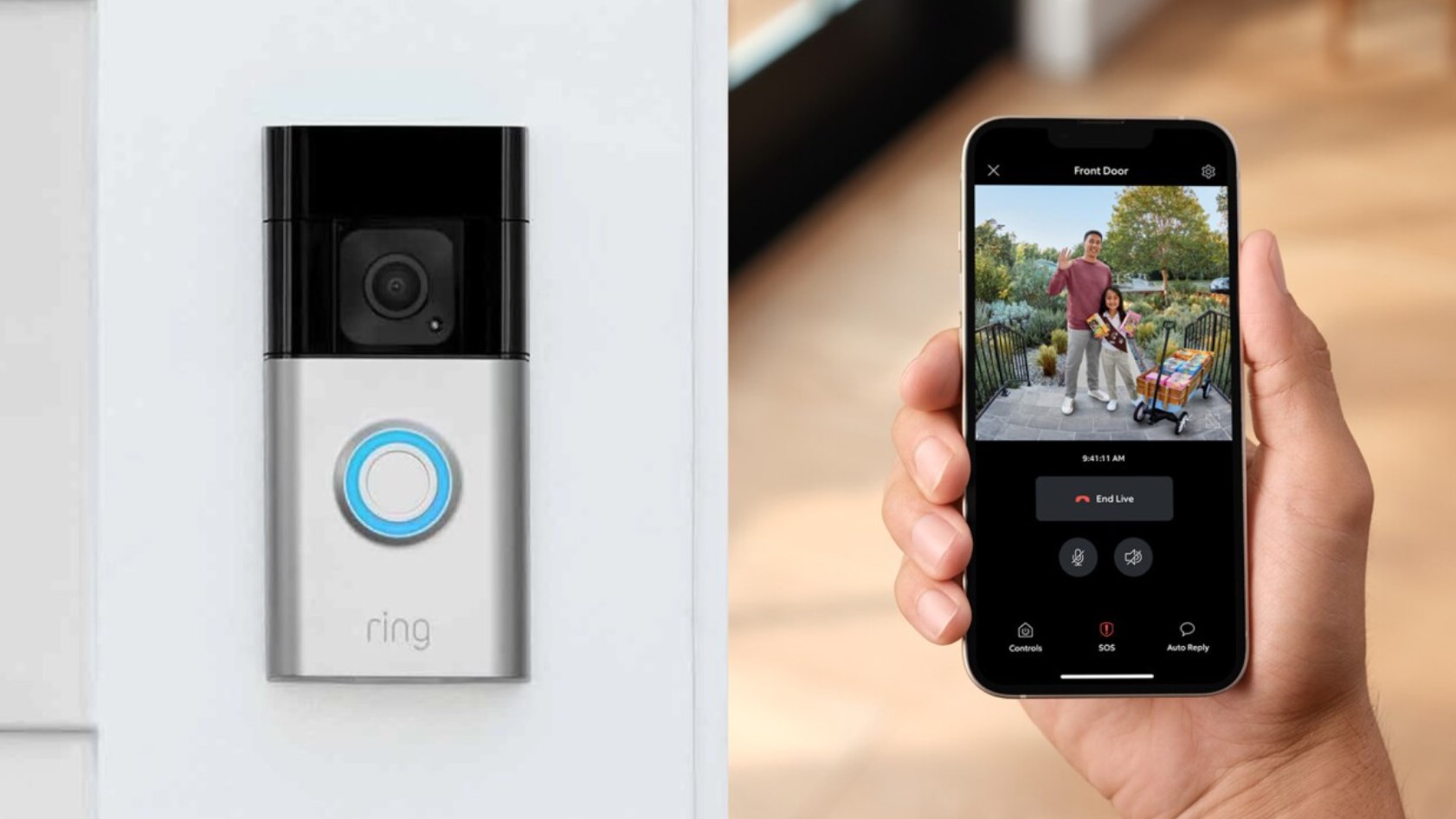
4. Integration and Ease of Use
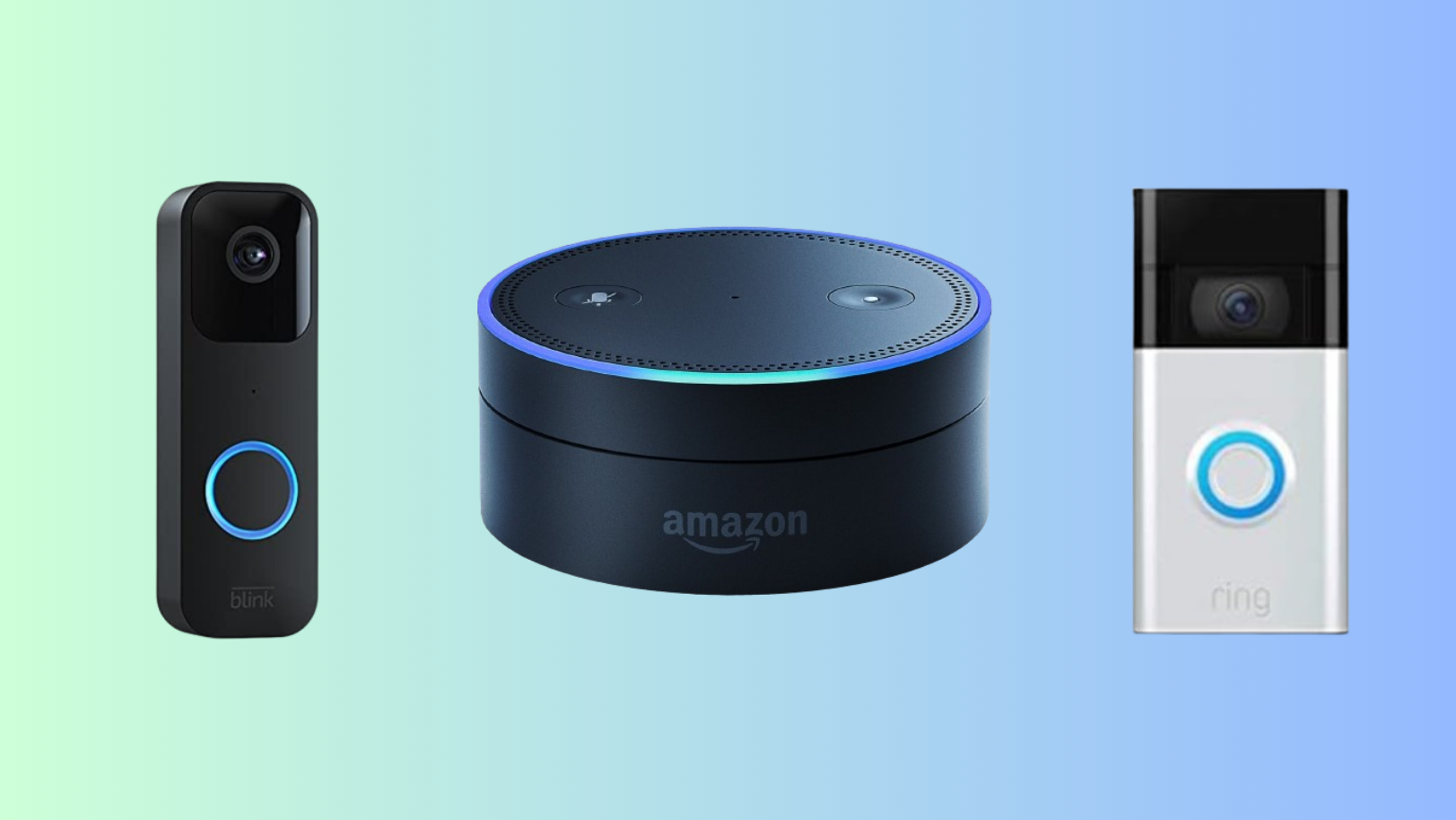
5. Indoor Monitoring
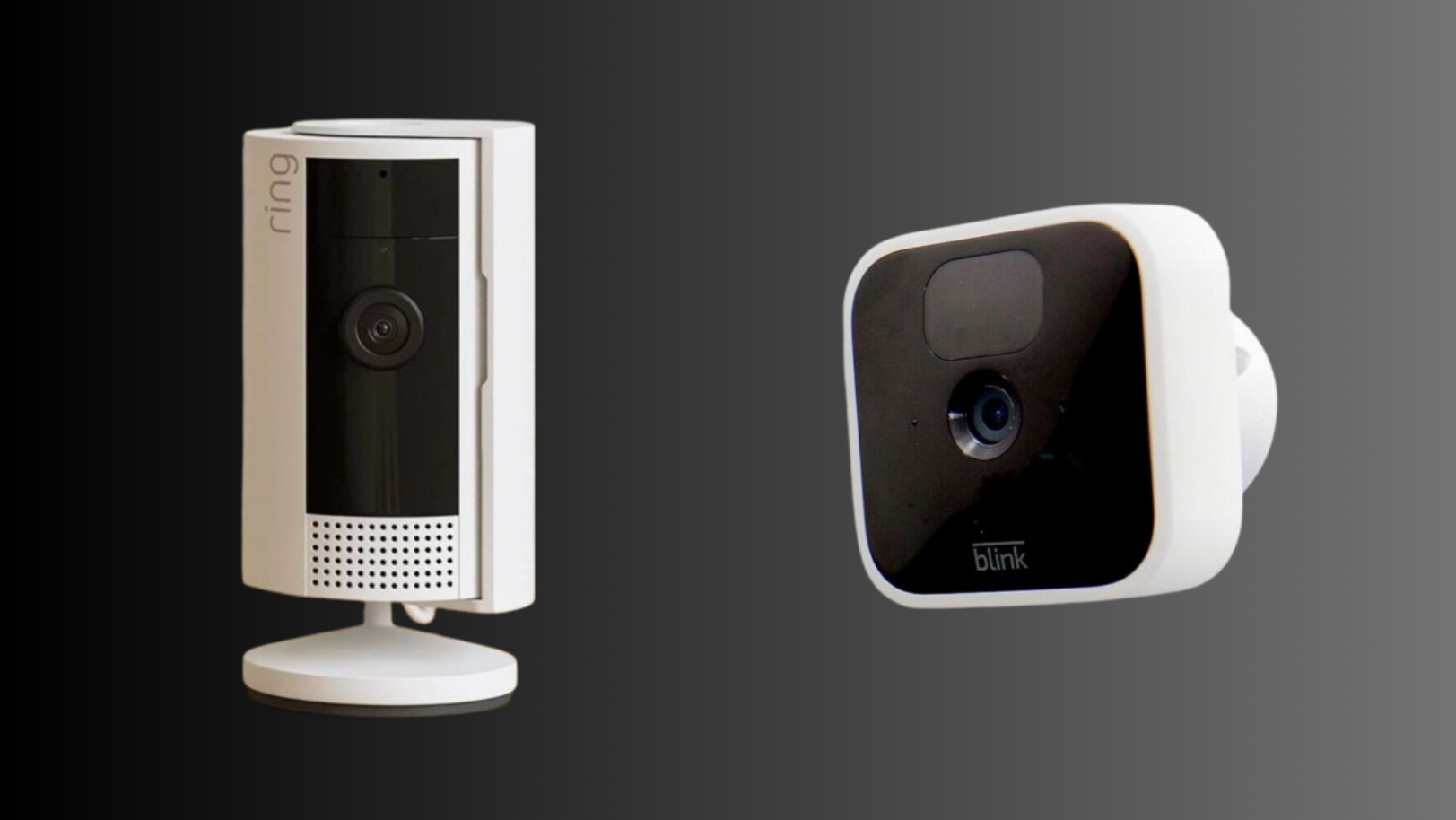
Indoor monitoring with both Blink and Ring cameras delivers consistent quality in well-lit conditions. Users find the video feeds clear and detailed, enabling effective surveillance of indoor spaces. This ensures they can easily identify individuals and activities captured by the cameras, enhancing overall security.
6. Mobile App Integration
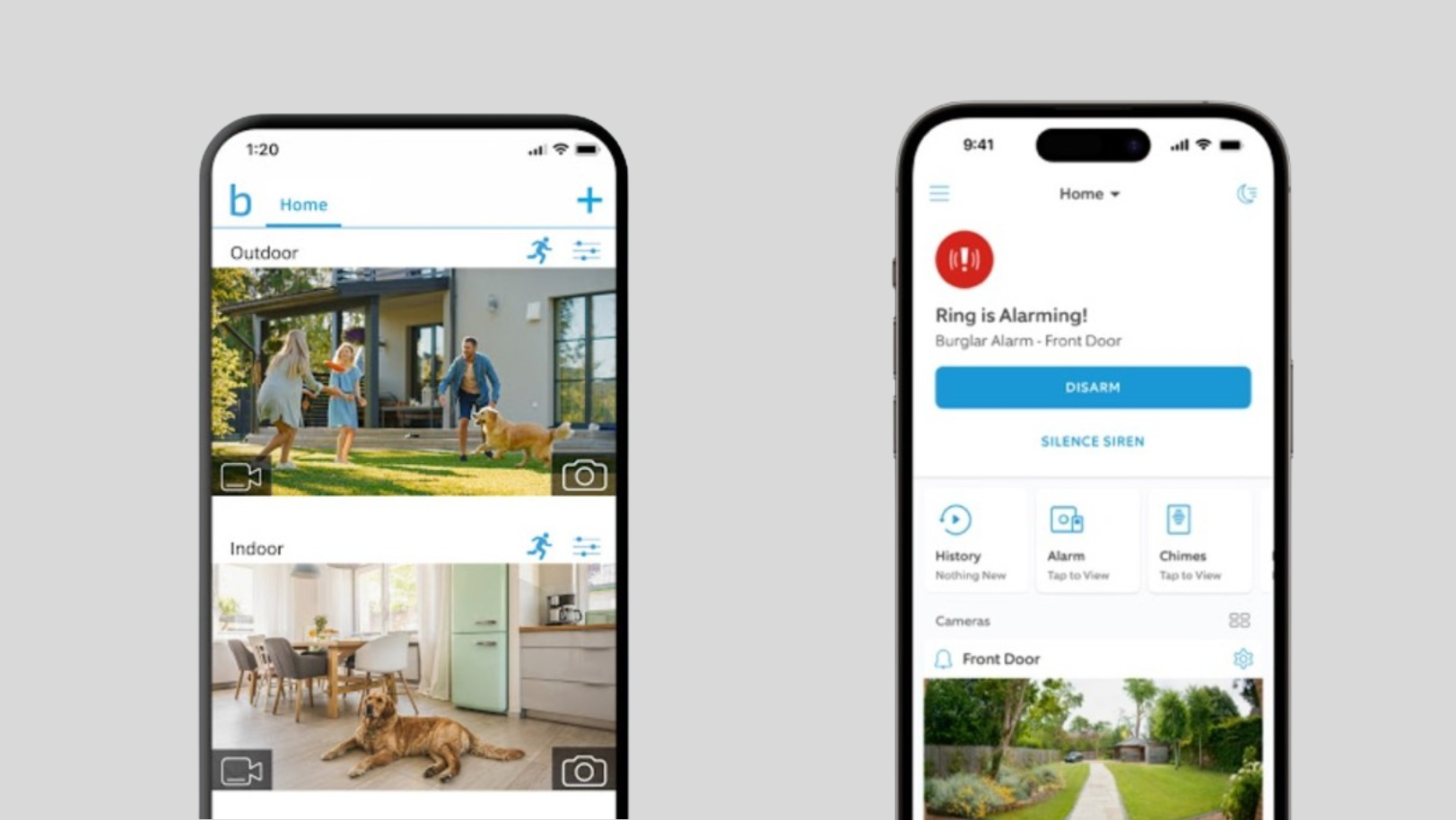
Both Blink and Ring provide dedicated mobile apps for convenient monitoring and control of their respective devices. Through these apps, users can easily access live video feeds, receive notifications, and adjust settings from anywhere, enhancing the flexibility and accessibility of their home security systems.
7. Product Tiers
Each brand offers entry-level and mid-level product options catering to different user needs and budgets. These options allow users to select the device that best fits their requirements and financial constraints while still providing essential security features.
8. Motion Detection
Both systems are equipped with motion sensors that trigger recording when movement is detected, helping to alert homeowners of potential visitors or intruders.
↪ What’s Different
Now, let’s mention what the differences between these smart doorbells are:
1. Design
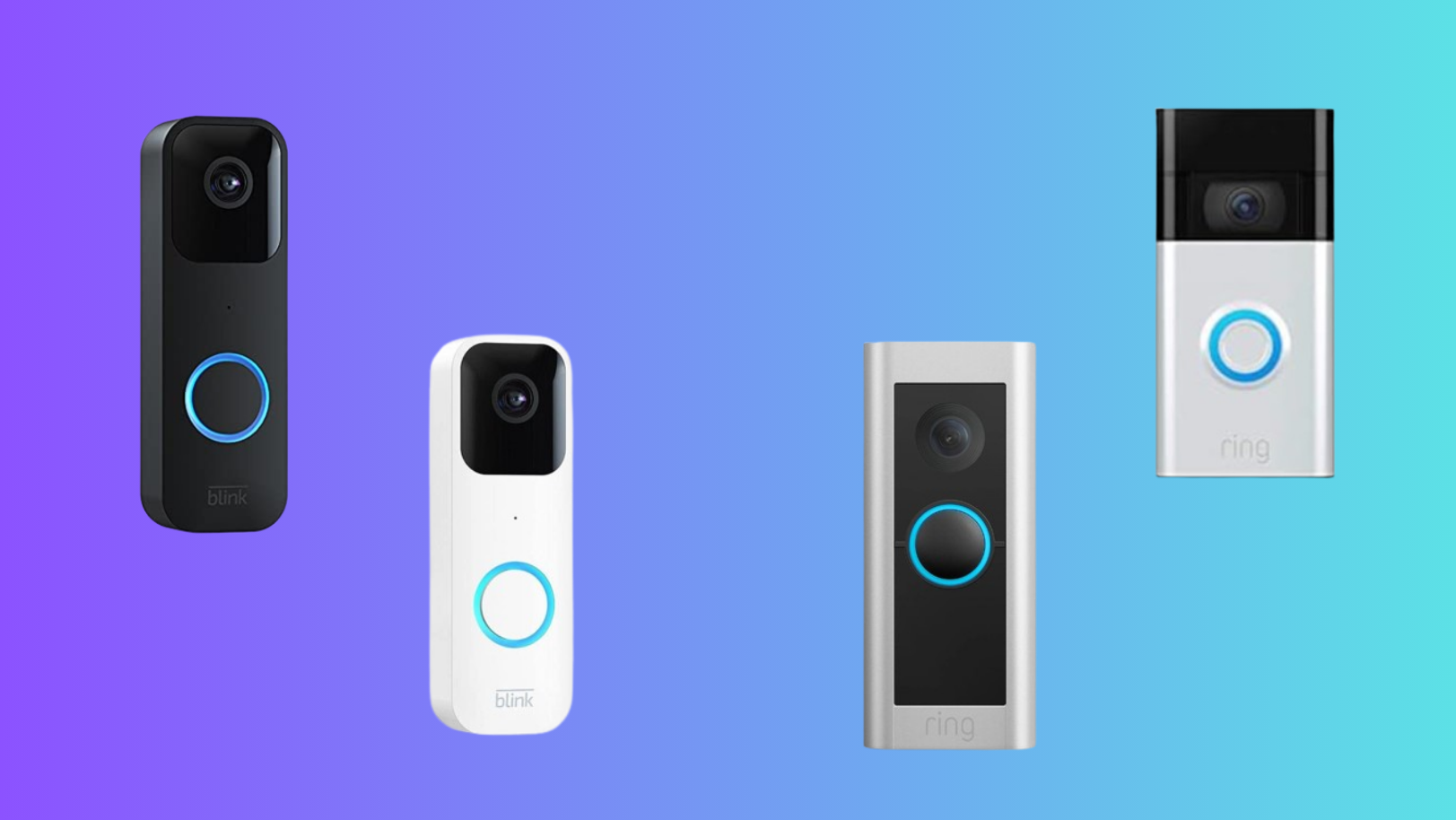
Blink’s minimalist designs are more discreet than Ring Doorbell, appealing to users seeking subtler aesthetics in their home security. The sleek profile allows Blink devices to blend seamlessly into various architectural styles without drawing unnecessary attention. This understated approach provides effective surveillance without compromising the overall appearance of the property.
2. Subscription and Storage
While both systems offer optional subscription plans for cloud storage and advanced features, the pricing and features included in these plans may vary between Blink and Ring Doorbell.
Ring requires a Ring Protect subscription for cloud storage and additional features, costing $3.99 per month or $39.99 annually. Blink offers local storage options using a USB drive with no additional subscription fees.
3. Features and Functionality
Ring offers a range of models with varying features, including different resolution options, motion detection capabilities, and compatibility with existing doorbell wiring. It provides a broader range of features and integration options, making it a more versatile choice for users seeking advanced functionalities.

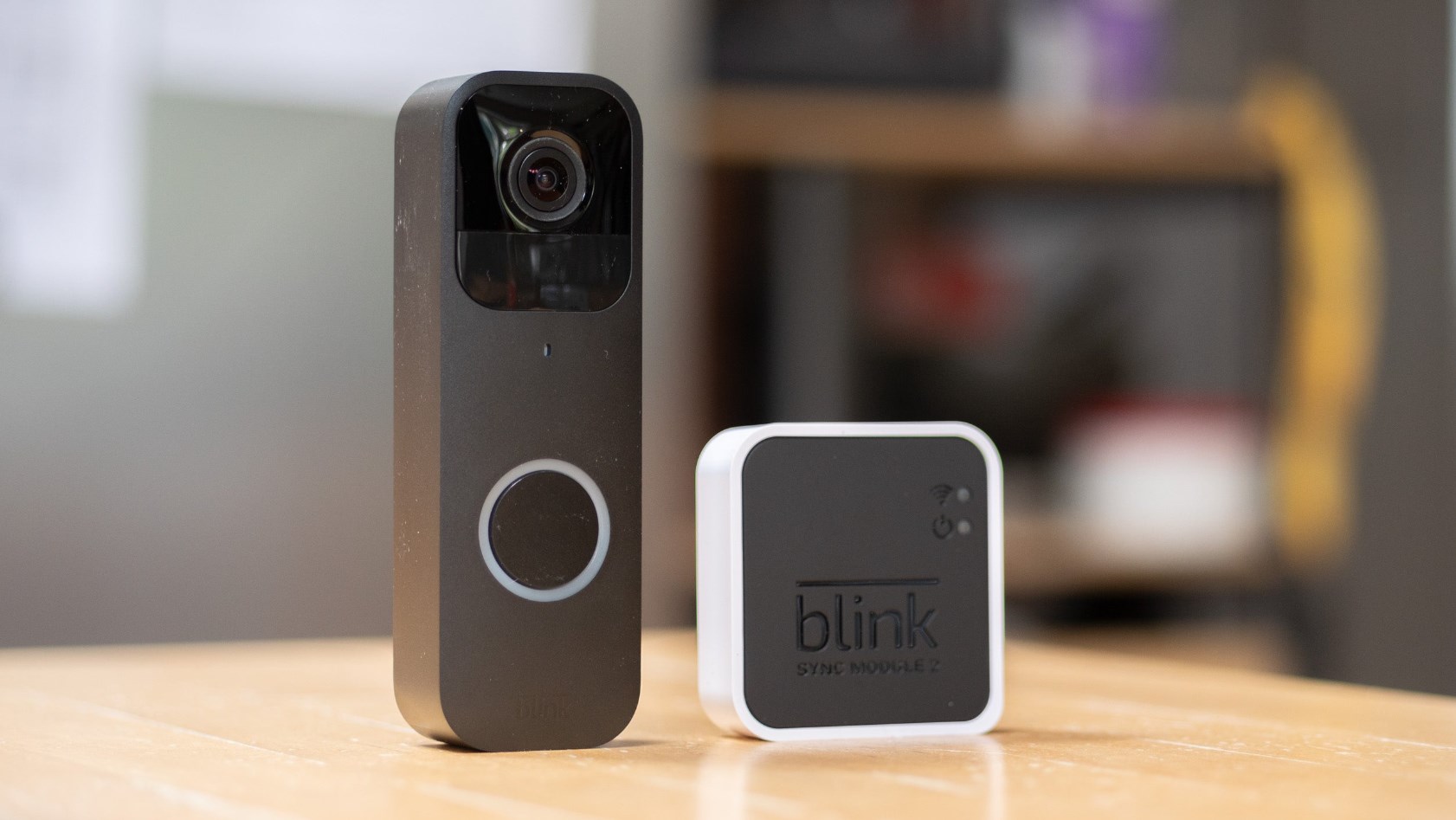
On the other hand, Blink may be perceived as more straightforward, offering basic features suitable for those prioritizing simplicity. It provides 1080p Full HD video, two-way communication, and night vision, similar to Ring. However, it operates on AA lithium batteries and requires a separate Blink Sync Module for certain features.
4. Setup and User Interface
Blink earns praise for its simple and user-friendly setup process and interface, allowing for seamless installation and operation. In contrast, users often find Ring’s setup to be more intricate and its user interface busier, necessitating more time to navigate and configure settings.

This difference in user experience highlights Blink’s emphasis on simplicity and ease of use, while Ring’s interface may offer more features but requires additional time and effort to navigate effectively.
5. Integration with Other Devices
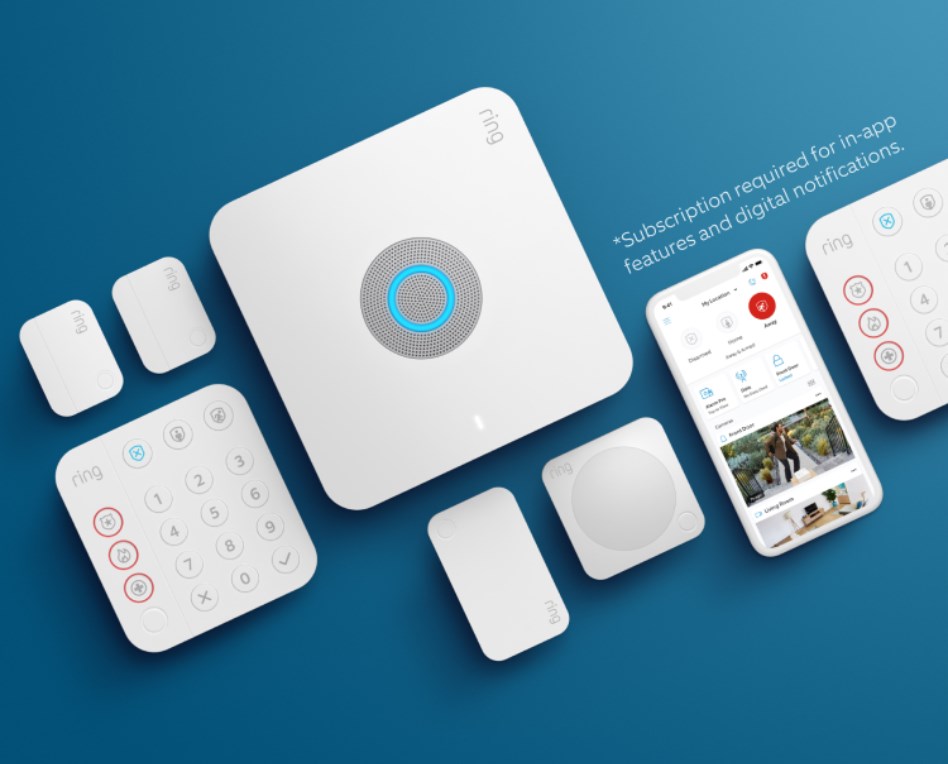
Ring Doorbell often boasts more extensive integration with other smart home devices and platforms, offering users greater flexibility in building a comprehensive home security ecosystem.
6. Audio Features
Ring Doorbell typically has two-way audio capabilities, enabling users to communicate with visitors at their door in real time. Conversely, Blink may offer limited or different audio functionalities, which could vary depending on the specific model.
7. Power Source
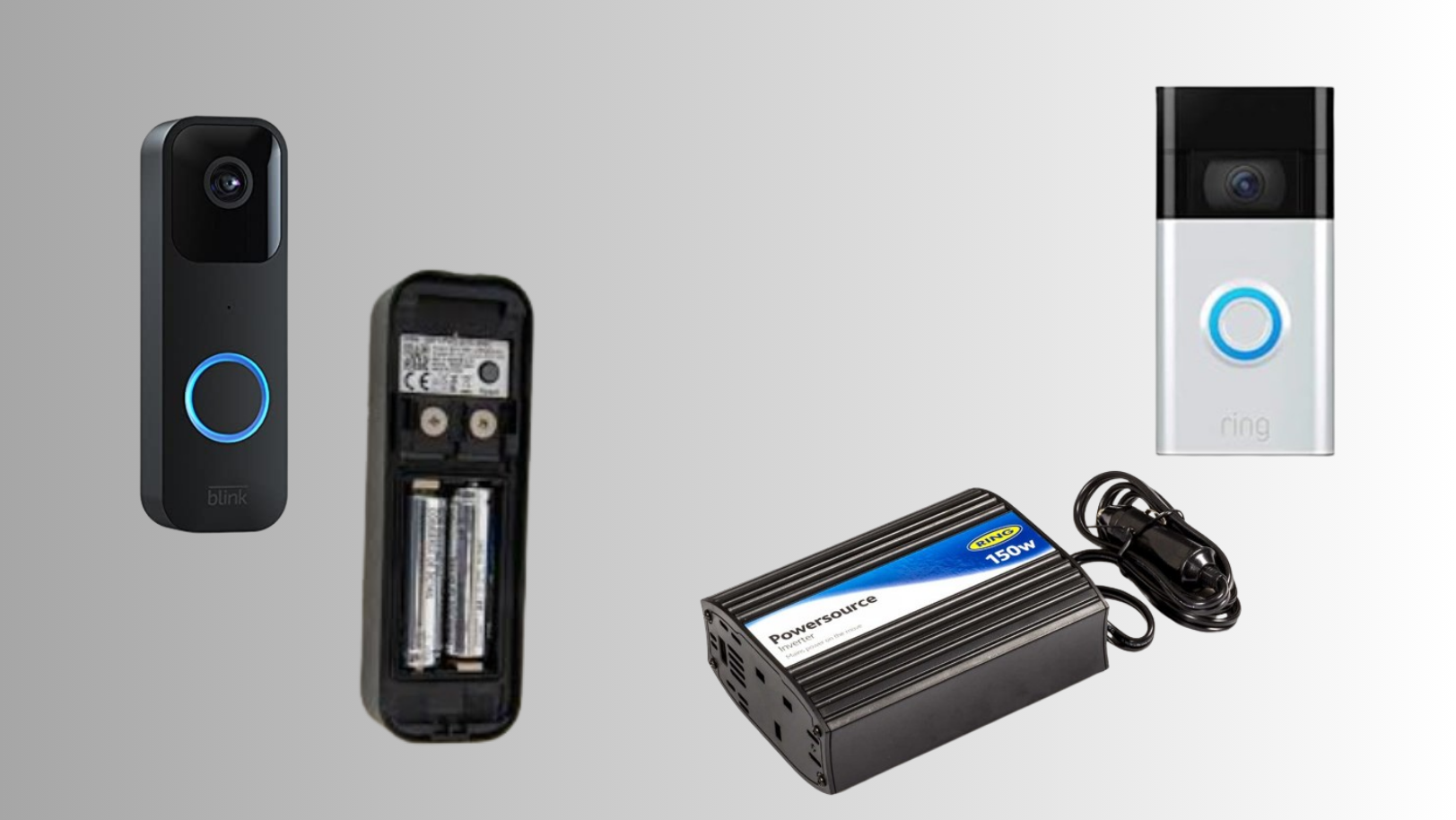
Blink cameras are commonly battery-powered , providing users with flexibility in camera placement without being constrained by wiring requirements. In contrast, Ring Doorbell may necessitate wiring for power, potentially limiting installation and placement options based on existing wiring configurations.
8. Night Vision Quality
Blink cameras struggle with capturing clear night vision, resulting in ghostly images. Ring cameras, in contrast, provide crisp and clear night vision, enhancing visibility in low-light conditions.
Blink and Ring Doorbell are designed for easy installation, although Ring Doorbell may require more wiring depending on the model.
Yes, both Blink and Ring Doorbell offer options suitable for outdoor surveillance, providing weatherproof designs and night vision capabilities.
How to Fix “Printer is in an error state” Issue?
- Recognizing the importance of a printer’s duty cycle is crucial for choosing a device that matches your print volume needs. Staying within this limit ensures the printer operates efficiently and prolongs its lifespan, minimizing the risk of maintenance issues.
- Proper humidity, temperature, and cleanliness management can significantly enhance printer performance and maintain its duty cycle, preventing unnecessary wear.
- Enhancing a printer with upgrades like additional memory or better mechanical parts can improve its workload handling and extend its practical duty cycle, boosting overall durability and efficiency.
When choosing a new printer, you might come across the term “ duty cycle ” in the specifications. This guide will explain what a duty cycle is, why it matters, and how it can help you choose the right printer. We’ll keep things simple so you can easily understand how to use this information when shopping for a printer.
- Printer Duty Cycle: What It Means and Why It Matters?
- Why the Duty Cycle Is Key to Choosing the Right Printer?
- Duty Cycle vs. Recommended Monthly Print Volume: What’s the Difference?
- What Happens If You Ignore Printer Duty Cycle Recommendations? ↪ Real-World Scenarios: Why Exceeding the Duty Cycle Can Cost You
Printer Duty Cycle: What It Means and Why It Matters?

What is the meaning of Printer Duty Cycle?
The printer duty cycle represents the upper limit of a printer’s capacity—how many pages it can reliably process in a month before the risk of wear or malfunction increases. This figure is crucial for understanding printer performance limits and ensuring that your chosen printer can handle the expected work volume.
Manufacturers determine a printer’s duty cycle through stress testing, where the printer is pushed to its limit to identify how many pages it can produce each month before malfunctioning. These tests help set a reliable performance gateway for users.
A printer’s duty cycle is like a car’s speedometer—you wouldn’t drive a car at top speed all the time, and you shouldn’t push a printer to its maximum duty cycle. Doing so can lead to quicker wear and tear, more frequent maintenance, and a shorter lifespan.
If you’re unsure whether to choose an inkjet or laser printer, this detailed guide compares both options to help you make an informed decision.
Why the Duty Cycle Is Key to Choosing the Right Printer?

The Importance of Duty Cycle in printer selection
Knowing the duty cycle is essential when choosing a printer, as it determines how well the device can handle your monthly print volume without excessive wear or maintenance.
Here is why the duty cycle matters in printer selection:
- Fit for purpose: Selecting a printer with a suitable duty cycle ensures it can handle your monthly printing volume efficiently, reducing stress on its components.
- Longer lifespan and better performance: Staying within the duty cycle ensures optimal print quality and speed while prolonging the printer’s life, avoiding frequent breakdowns.
- Cost efficiency and reduced downtime: Operating within the duty cycle minimizes the need for repairs and reduces operational disruptions, managing long-term costs.
Duty Cycle vs. Recommended Monthly Print Volume: What’s the Difference?

Duty Cycle vs. recommended monthly print volume
The recommended monthly print volume is the optimal number of pages a printer should handle each month for the best performance and longevity. Unlike the maximum capacity indicated by the duty cycle, this number guides regular usage, ensuring the printer operates efficiently without excessive wear.
If your print volume regularly exceeds the recommended amount but stays within the duty cycle, the printer may operate safely in the short term, but it could still experience accelerated wear and reduced lifespan over time.
In such cases, consider upgrading to a higher-capacity printer or spreading print jobs across multiple devices to ensure long-term performance.
Here are the differences between the duty cycle and recommended monthly print volume:
- Duty cycle: Represents the maximum number of pages a printer can handle in a month without breaking down. It assesses the printer’s upper limit.
- Recommended monthly print volume: Suggests a practical, workable number of pages to print each month to keep the printer in good condition over its lifespan.
What Happens If You Ignore Printer Duty Cycle Recommendations?

Consequences of ignoring Duty Cycle recommendations |AndranikHakobyan via Canva
Ignoring the duty cycle limits poses more severe risks than exceeding the recommended monthly print volume, leading to serious long-term consequences.
While exceeding the recommended volume occasionally may result in additional wear and tear, consistently exceeding the duty cycle can lead to frequent breakdowns, reduced performance, and a shortened lifespan.
Ignoring duty cycle limits leads to frequent breakdowns, reduced performance, and increased maintenance, ultimately shortening the printer’s lifespan and causing more frequent operational downtime and higher repair costs. Long-term, pushing a printer beyond its limits leads to greater financial burdens due to premature replacements and inefficiencies.
↪ Real-World Scenarios: Why Exceeding the Duty Cycle Can Cost You
For example, in a busy law firm, overlooking duty cycle limits during a high-stakes period could cause a printer breakdown just before a critical deadline, delaying crucial legal filings and ultimately compromising client service.
For small businesses, consistently exceeding a printer’s duty cycle can lead to costly emergency repairs or premature equipment replacements, straining financial resources.
